15 minutes
Lab Writeup Series: Services
Intro
The real fun starts when we discuss the services I host. That’s partly because the number fluctuates constantly. I’ll add new services as I find them and remove them when I find something better or get bored with it. I’m always looking for new tools and platforms to use and to learn from.
In all honesty, I hope to find that one docker compose up that’ll change my life and make me infinitely better at what I do. I doubt that day will ever come, but a guy can dream.
Services
Bear with me; it’s a big list. Some will have lots of description, and some I will be merciful and give a brief synopsis of what it is and why I like it.
Traefik
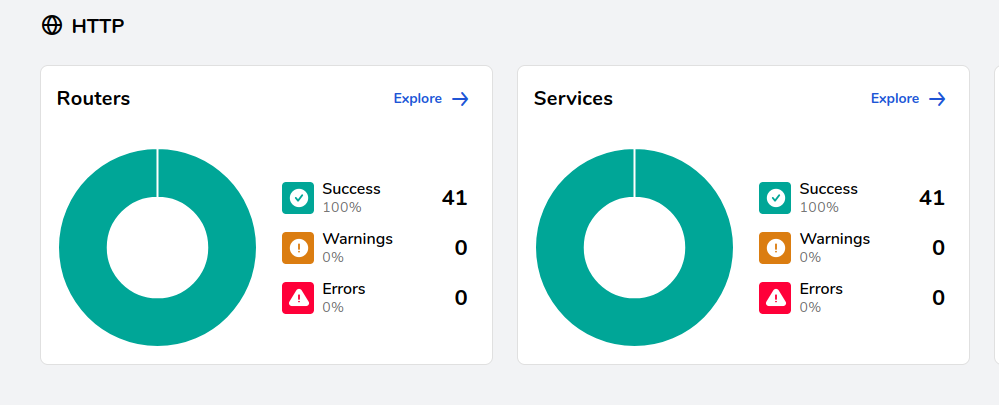
Traefik is the core of the majority of my infrastructure. With few exceptions, all of my services have to touch my main load balancer. It is tightly integrated with Docker, and the compose files, as you’ll see, got progressively more complicated from the defaults that one might get off of GitHub as the example for a service.
The following compose file isn’t anything too complex. Really, this entire setup isn’t complex. It just got very complicated with so many services.
traefik-compose.yml
  traefik:
    image: "traefik:latest"
    container_name: "traefik"
    command:
      #- "--log.level=DEBUG"
      - "--api.insecure=true"
      - "--providers.docker=true"
      - "--providers.docker.exposedbydefault=false"
      - "--entrypoints.web.address=:80"
      - "--entrypoints.websecure.address=:443"
      - "--entrypoints.websecure.http.tls=true"
      - "--entrypoints.web.http.redirections.entrypoint.to=websecure"
      - "--entrypoints.web.http.redirections.entrypoint.scheme=https"
      - "--api.dashboard=true"
      - "--providers.file.filename=/data/certs-config.yml"
      - "--providers.docker.network=gateway"
        #- "--tls.certificates.certFile:/etc/certs/fullchain.pem"
        #- "--tls.certificates.keyFile:/etc/certs/privkey.pem"
    ports:
      - "80:80"
      - "443:443"
      - "8080:8080"
    volumes:
      - "/var/run/docker.sock:/var/run/docker.sock:ro"
      - "./traefik:/data"
      - "./nginx/certs:/etc/certs:ro"
networks:
  default:
    external:
      name: gateway
certs-config.yml
tls:
  certificates:
    - certFile: /etc/certs/fullchain.pem
      keyFile: /etc/certs/privkey.pem
Now, we’ll go over some of the bits that caused me grief and some of the things that I want to improve upon in the future. This blog could indeed be a way for me to convey that to you.
What gives me grief
You’ll notice a label on all my containers. Theyll look like this: --providers.docker.network=gateway.
Why?
Because I spent a silly amount of time trying to figure out why some of my web traffic would make it to the container and some wouldn’t. It was inconsistent and just enough to drive me nuts. One such example is the project management suite Vikunja. It works great for what I want it to do. But it wasn’t always that way.
Before this issue was fixed, if I clicked a task and expected to set it to done, there was a 50/50 chance that it’d take effect or that my post request would get lost in the aether. Settings wouldn’t stick, sometimes spontaneous logouts. This happened with a bunch of different services as my lab got bigger. Especially when a service consists of smaller containers communicating with one another.
I began to run into the issue where services were interfering with one another because I had them on the gateway network by default. This sounds fine, but then you realize that there are many containers with potentially the same name, which can become a huge headache, especially with databases. “Why in the world are my credentials not working? I just set them.”
This was happening with an infuriating regularity with a variety of my services until I discovered that I needed to compartmentalize every service I run and only expose the outward-facing container to the gateway network.
I then got to work modifying every service to work on their own private network if the service consists of more than one container. I also made sure I specified on what network Traefik is to access that container from, because that too left me scratching my head due to the ghost in the machine level spookiness that was happening to my services. You’ll get to see the fruits of my labor below.
What I should be doing better
The main thing I think I should be doing better is to have the certificate renewal be automated within Traefik. I know it is possible to do it; I even have Certbot already conducting renewals automatically. This is something that is on my to-do list.
Some secondary things I think I should be doing differently are enabling access logs to send to Wazuh and disabling the visual dashboard. This last one, however, is not likely to happen for a while because I quite enjoy looking at the web interface to troubleshoot the many issues I’ve dealt with.
Dockge
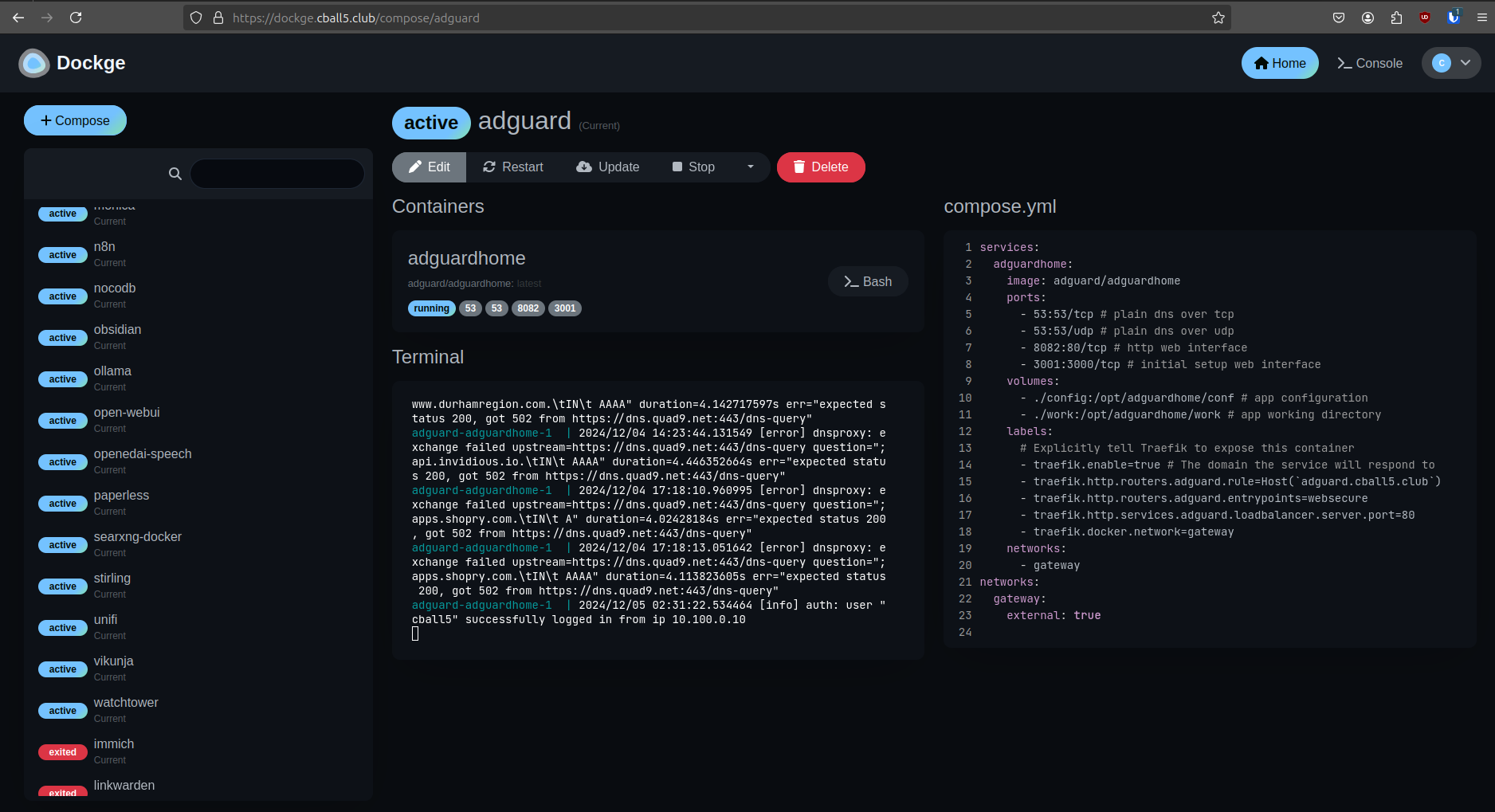
It’s pretty, real pretty. It does its job. Mostly. Probably a me problem.
I like to read container logs on dockge. I also like to use it for troubleshooting things.
What gives me grief
I don’t know why, and I don’t know how, but somehow by starting a container through dockge changes the ability for containers to access their storage.
I experienced this with Vikunja. I would start it in dockge, and all my stuff would be gone. Then I would start it via the command line, and it’d be just fine. I don’t get it. I’ve been hammering away at that issue for quite some time. While I’ll figure it out eventually, till then I’ll be using docker compose up -d.
Immich
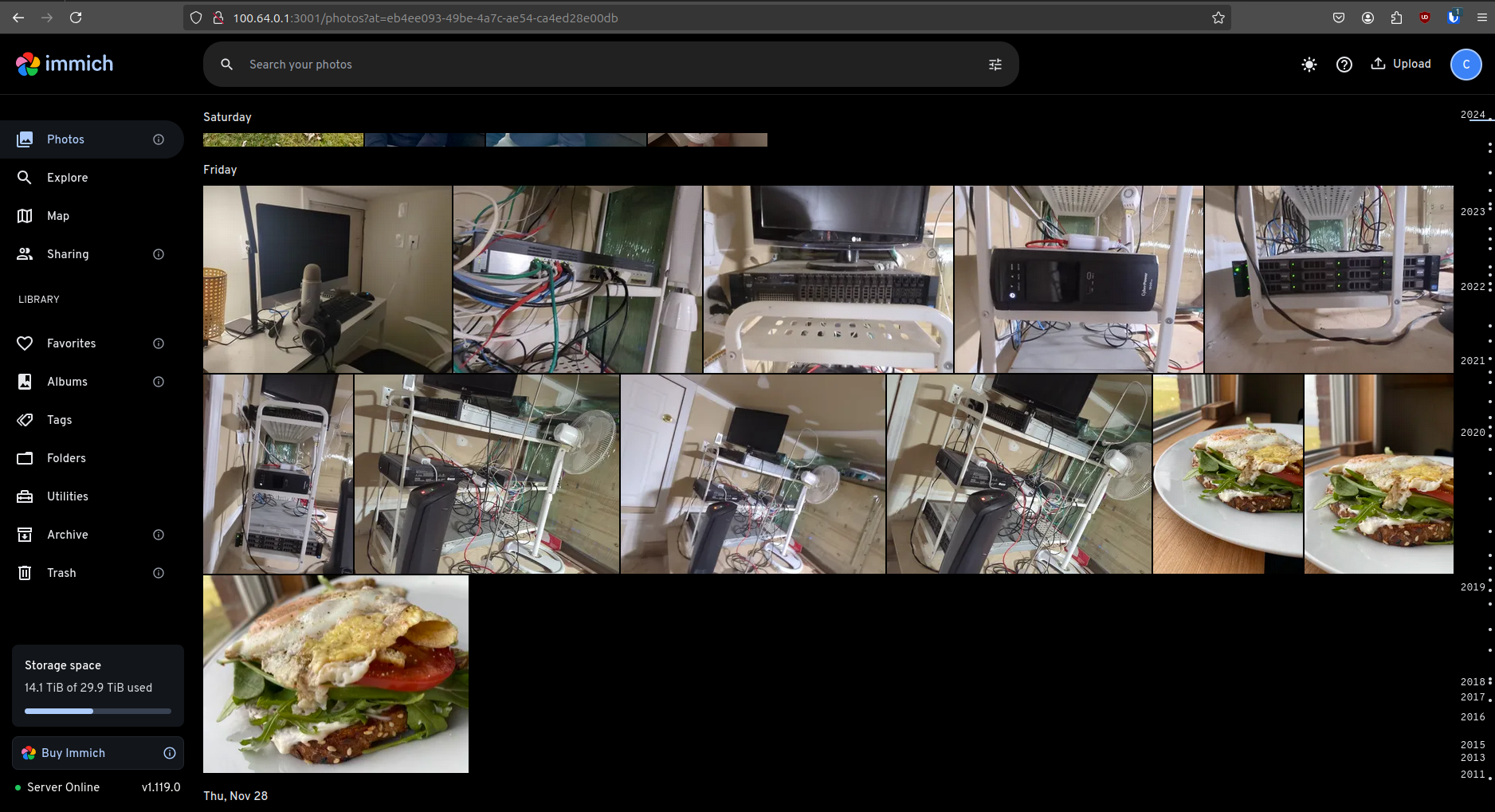
My wife and I heavily use Immich. It’s great. We migrated away from Google Photos a long time ago, and we’re glad we did. We initially came from Photoprism. Photoprism, while good, was not perfect nor polished for what we wanted. When Immich came onto our radar, we decided to give it a try, and oh boy did it exceed my expectations.
Our phones sync to my server, and with the amount of baby photos my wife takes, it has been very necessary. Have a look at the bottom left-hand side of the screenshot above. Approximately 500 gigabytes of that is our family photo archive.
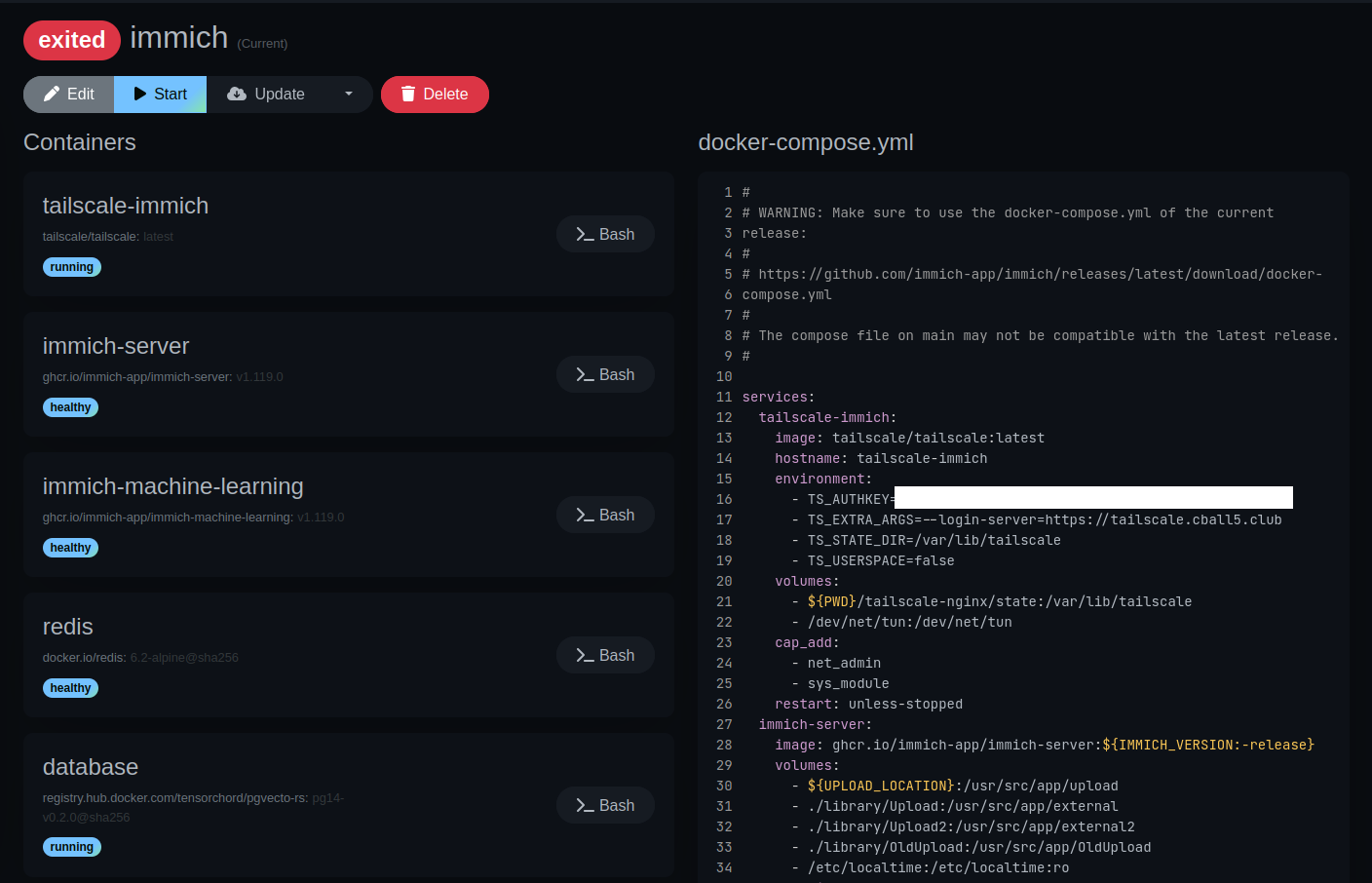
Now, you’ll notice a little something unusual about this. A Tailscale container has snuck itself into my compose file. Next thing you’ll notice is that the IP address schema is 100.64.0.0/24. Lastly, you’ll notice that the --login-server is https://tailscale.cball5.club. Don’t worry; we’ll get there. In the next section, we’ll discuss my headscale deployment and how it is being used.
Suffice it to say, for this specific service, it is only accessible from my tailnet and beholden to the ACL rules as mentioned in the other Tailscale explanation.
What gives me grief
Some will rag on the fact that it’s an HTTP connection between my devices and the Immich service. This, while generally good advice, is blind to the nuance, in my humble opinion. Here’s why I’m not using TLS on this connection.
It’s already being encrypted using a point-to-point WireGuard connection. Double encrypting it isn’t creating any immediate benefit. The only instance where this double encryption may be useful is in the case where the Tailscale container is compromised or if the headscale server is compromised such that a MITM attack is conducted.
Vaultwarden
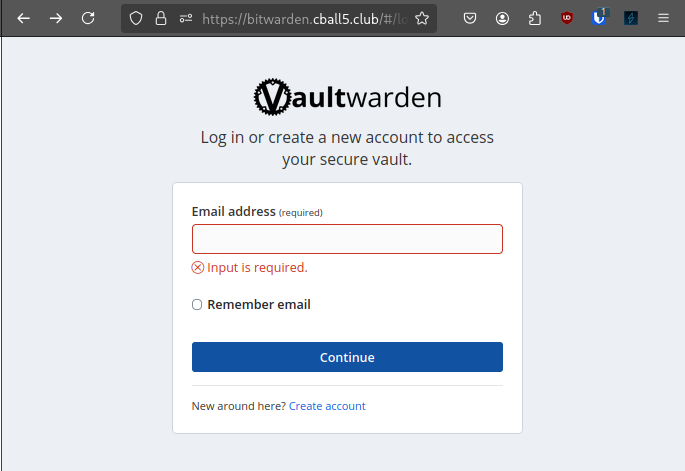
My beloved password manager, essential to my privacy and security efforts. My wife and I depend on this service for our everyday lives.
My wife was resistant about it at first, but after I set it up and imported all her passwords, it became indispensable. She’ll tell you that it is so much easier than trying to remember passwords. After a certain point, it became self-sustaining, and she actively uses it on a day-to-day basis.
This service, like most others, is only accessible on my home network. This requires that I be connected to my tailnet with my exit node set to home.
Username (Email) Generation
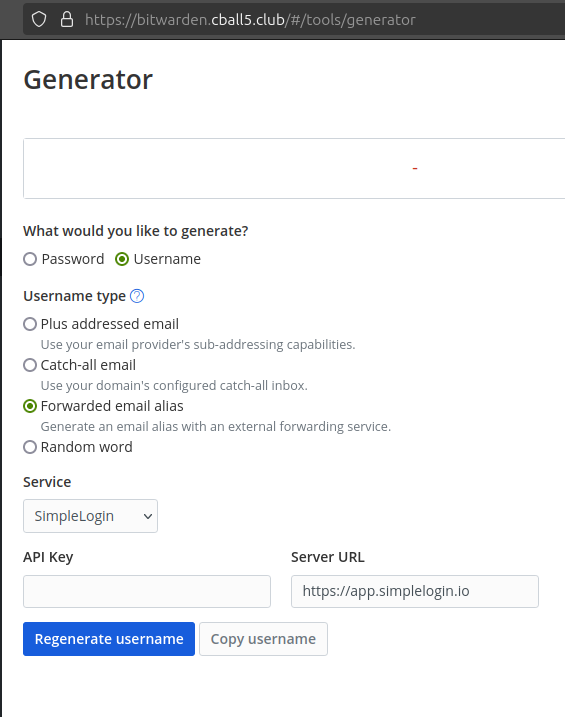
Bitwarden contains the ability to interface with services like AnonAddy and Simple Login. I personally use Simple Login. You have the option to generate fresh email addresses and aliased email addresses for every site you sign up for. I use this heavily.
Have a peek at the official Bitwarden blog on the subject. The process is the same for Vaultwarden, as it is handled client-side.
Password Generation
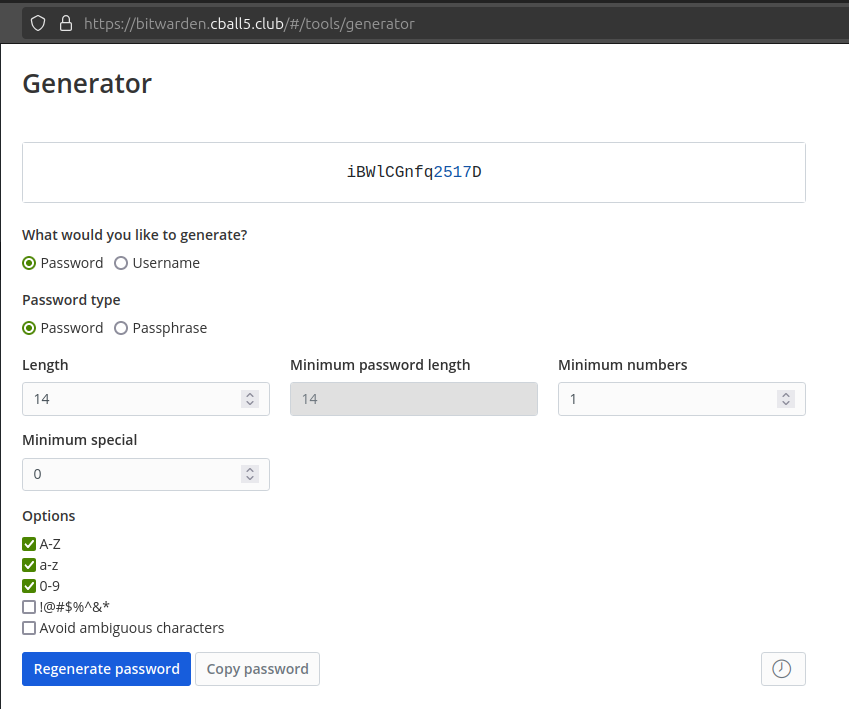
Vaultwarden, like most other password managers, has the essential function of password generation. It has the ability to add and remove different types of characters from the passwords, and similarly the length of the password can be changed. It does its job just fine, and I have no complaints.
Organizations & Sharing
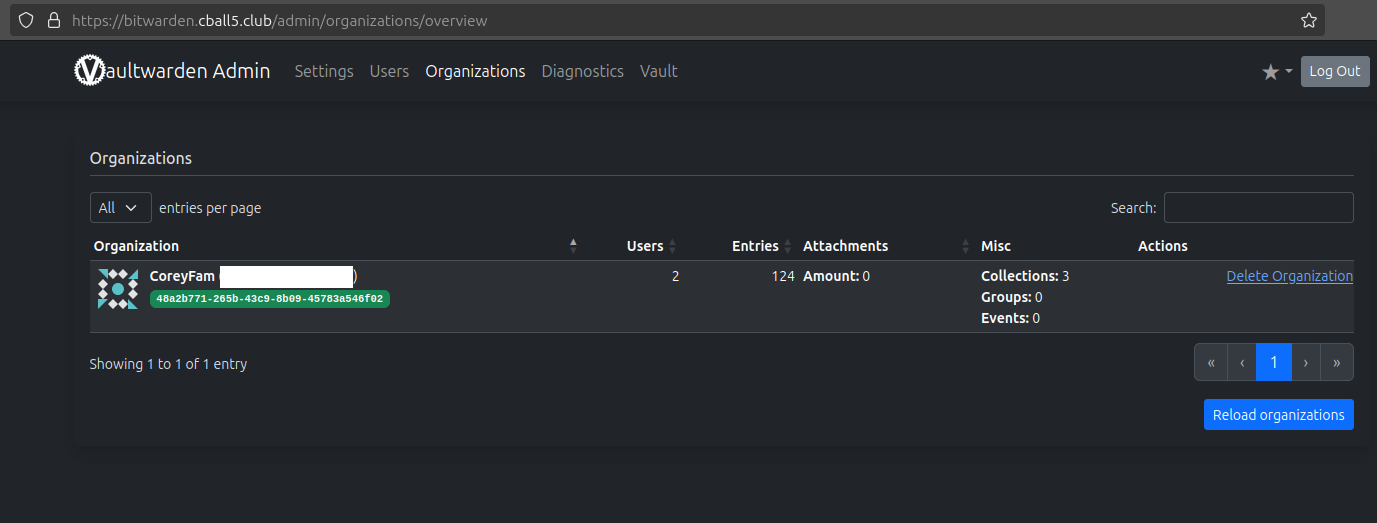
My wife and I share credentials quite a bit, be that the Netflix password, government services, or my self-hosted services. Either way, we need to be able to access these services when necessary.
Now, you could have duplicate credentials between accounts, but that would be a pain, as a password might be changed, and I might not have the updated password when I need it. So what’s the solution?
Organizations
I created an organization on Vaultwarden and enrolled myself and my wife in it. Whenever we have a credential that we want to share, we move it to the organization. It then gets seamlessly shared to both of our vaults. When the password is changed, it gets synced almost immediately.
Once set up, it’s a super simple thing to use. One can simply click a button when generating passwords. Alternatively, once a credential is created, you can press the ‘move to organization’ button.
2FA
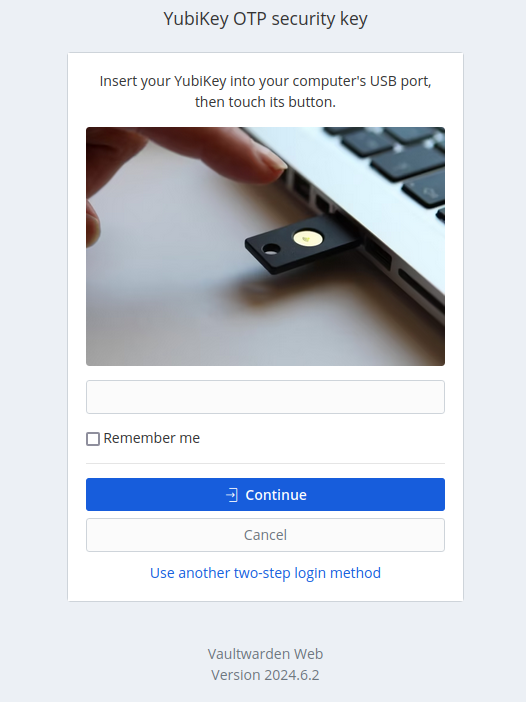
Vaultwarden, like Bitwarden, allows you to use 2FA. I opted to use my Yubikey. I carry it around wherever I go.
Bitwarden Send
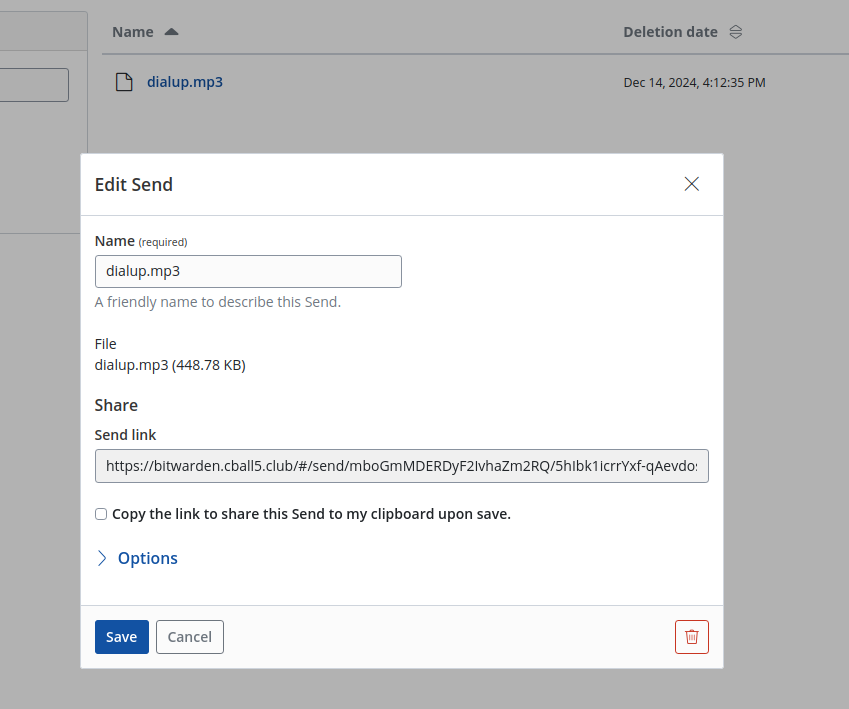
We don’t use it much, but Vaultwarden has the ability to send files to people, just like Bitwarden. You can add password protection, timed deletion, and max view count.
Should I find the need to use such a service, I would definitely count on it with my data.
Linkwarden
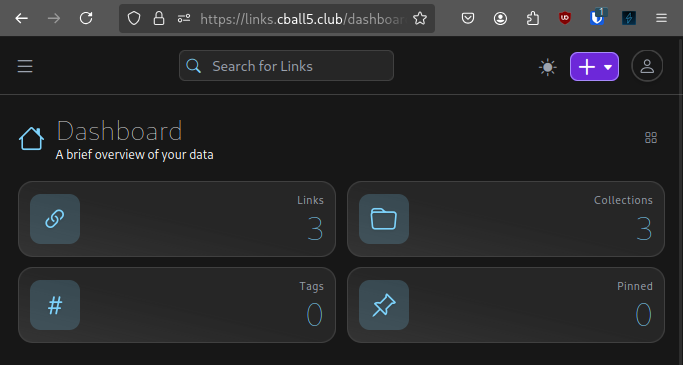
I haven’t gotten to use this extensively since I just started using it. But so far it is a very polished user experience. I was on the market for a bookmarks manager and found this.
I have used the next tool somewhat more, however. Though not extensively.
Hoarder
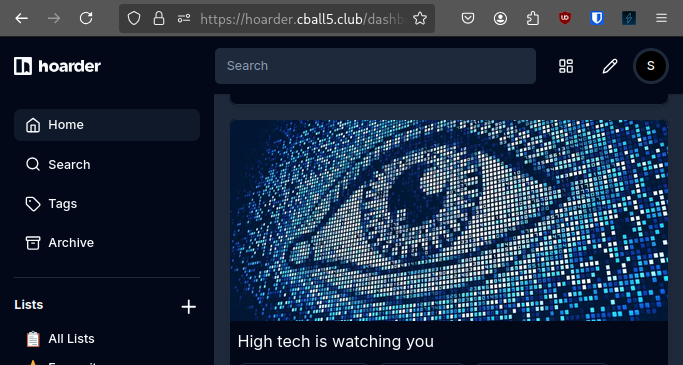
Hoarder is a bookmark manager with a touch of AI. Now, I’m not the type to guzzle the buzzword Kool-Aid and try everything labeled AI.
Hoarder uses LLMs to generate tags intelligently based on the content of a link. Hoarder also takes a copy of the contents of all the links you submit and makes it searchable for later.
This is something I find very useful because I have a great many bookmarks that I would like to be able to look back on with a sense of organization. The way I remember things, I tend to remember phrases from the things I’ve read. This fits the tool quite well, as a couple of words in the search bar can narrow down thousands of articles to just a couple.
Synapse
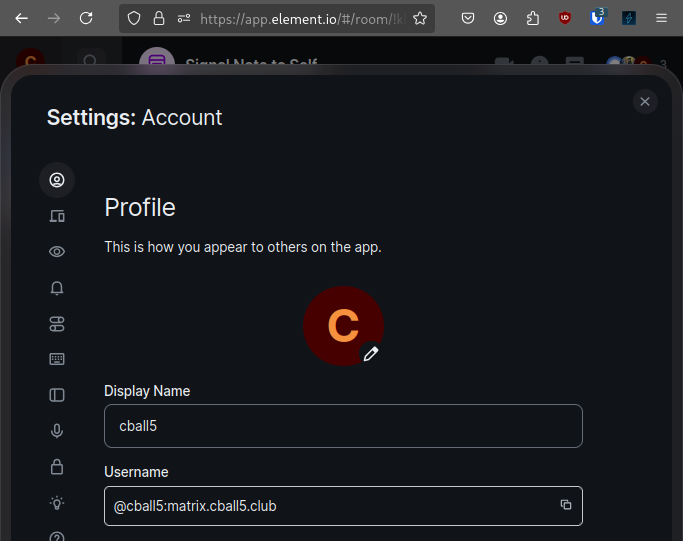
I use Synapse. I could have used some other homeserver, and I know it probably would have gone smoother. But I wanted the bridges to work 100%.
See, I need to use WhatsApp for communicating with certain people, much to my dismay. I use Graphene OS, and I refuse to use Google Play services. This makes keeping in touch tough. So I set up a Matrix server with a bridge to Signal and WhatsApp. It lets me keep things all in one place.
FYI, don’t try to contact me at this address; it’s not federated.
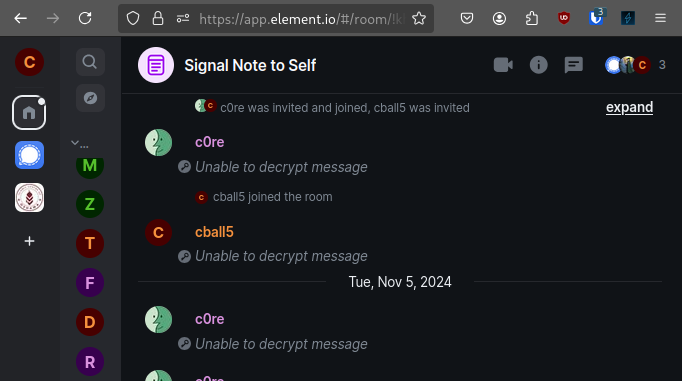
And one more thing: while the “Unable to decrypt message” might turn some potential users off, keep in mind I did that for privacy’s sake. It works great once it’s up and running.
What causes me grief
I’ve done a lot of hosting in my short time on earth. This one was (is) a pain.
The setup of the server itself isn’t as straightforward as I’d like as far as documentation goes, but I can’t expect every project to make the documentation dummyproof.
The bridges are a pain to set up, with multiple steps required to get it running and semi-routine maintenance required to keep it running. That last bit isnt the fault of the bridge, but instead the anti-bot protections of the various services.
The last one is related to traefik (maybe). See, in order for various Matrix clients to work, it requires a .well-known file be served at the root of the domain. This is generally not an issue, and Synapse is supposed to have the ability to do this dynamically. No such luck, however.
For whatever reason, it serves .well-known/matrix/server, but not .well-known/matrix/client. I’m sure I’m doing something wrong, but it is driving me nuts. Mainly because Fluffychat is my only choice in clients. Element requires the client one work, and complains if it doesn’t.
Homepage
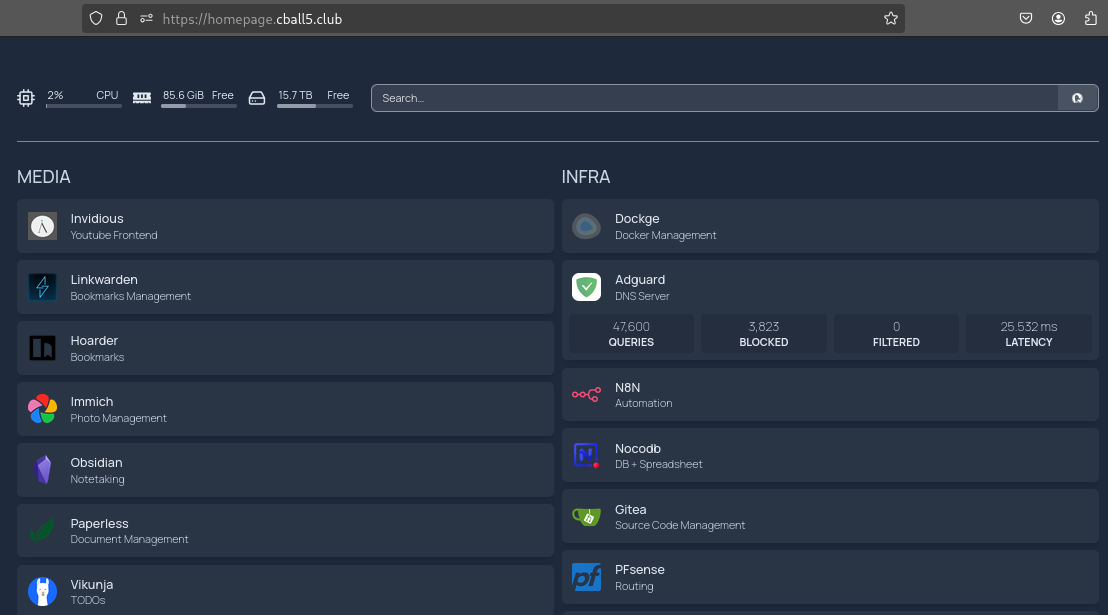
My handy-dandy Homepage. I have my browser go there on every new tab. It dynamically regenerates the page whenever I alter the config and has nifty little widgets to help me keep an eye on my infrastructure. You might see a service or two that I didnt mention in this post, but rest assured the project it’s involved in will be explained in depth in the near future.
I really appreciate how easy it is to set up this service. Even the widgets are just a simple inputting of credentials in an intuitively put-together file. Take this snippet of my services file, for example:
- INFRA:
    - Dockge:
        description: Docker Management
        href: https://dockge.cball5.club
        icon: dockge
    - Adguard:
        description: DNS Server
        href: https://adguard.cball5.club
        icon: adguard-home
        widget:
          type: adguard
          url: https://adguard.cball5.club
          username: cball5
          password: '--- password redacted ---'
Pretty simple, eh?
SearXNG

SearXNG acts as my personal search engine. There are cooler ones out there with AI, but my server doesn’t have the GPU to make that usable. Maybe in the future, we’ll see.
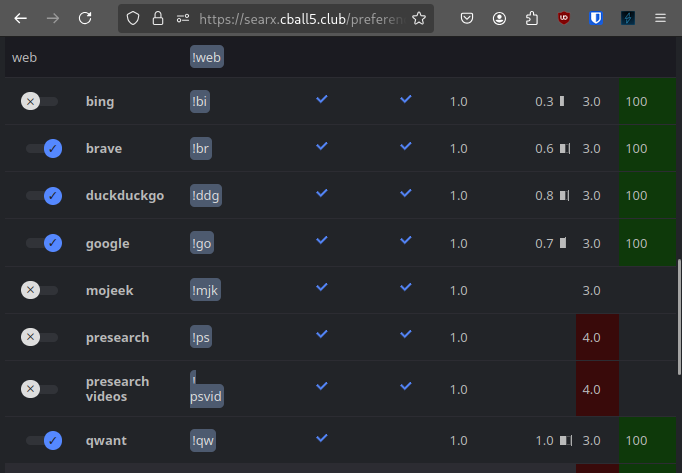
I love how it pulls from multiple sources. Unfortunately, of course, the more sources you pull from, the more time it takes for it to load. There was a time I exclusively pulled from Google (gasp). But I just wanted the darn thing to work and work fast.
Paperless-ngx
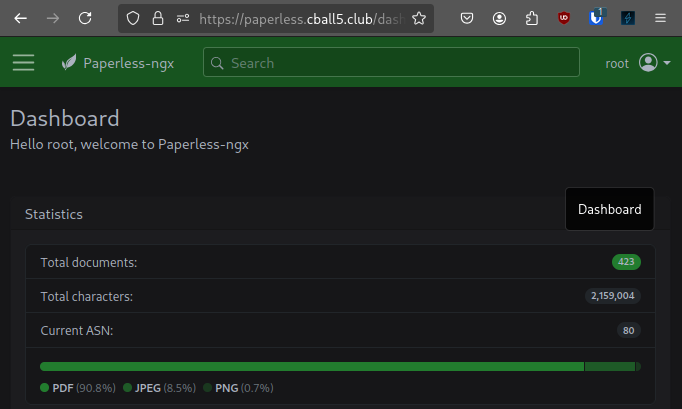
My wife and I use this just about as much as Vaultwarden. It is super useful, especially during tax time. I remember the time when my wife sat down with me to do our taxes for that year. We usually had to scroll through our download folder or check out the tax man’s website.
This is no longer the case; when I need information on a specific year from a tax document, I can just search up the relevant document, and it’s right there! She was amazed and from then on saw the value of the service.
Vikunja
If I could stay on task, Vikunja would be a lifesaver.
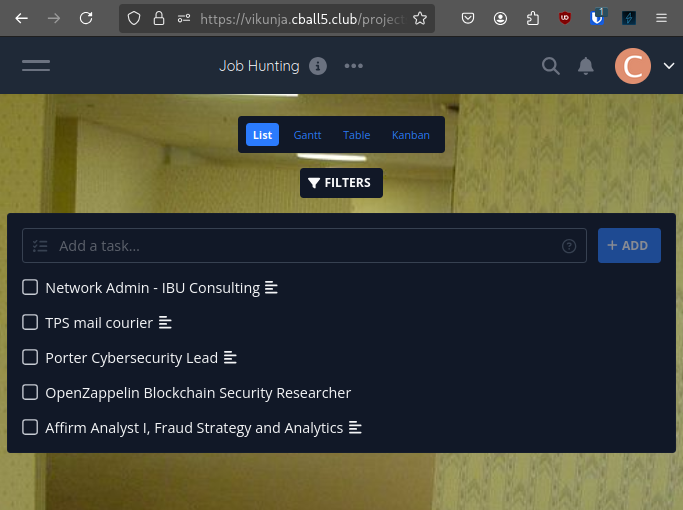
I’ve been using it to keep track of what jobs I’ve applied to and which ones I will apply to. The kanban is super useful in keeping track of the status of different applications.
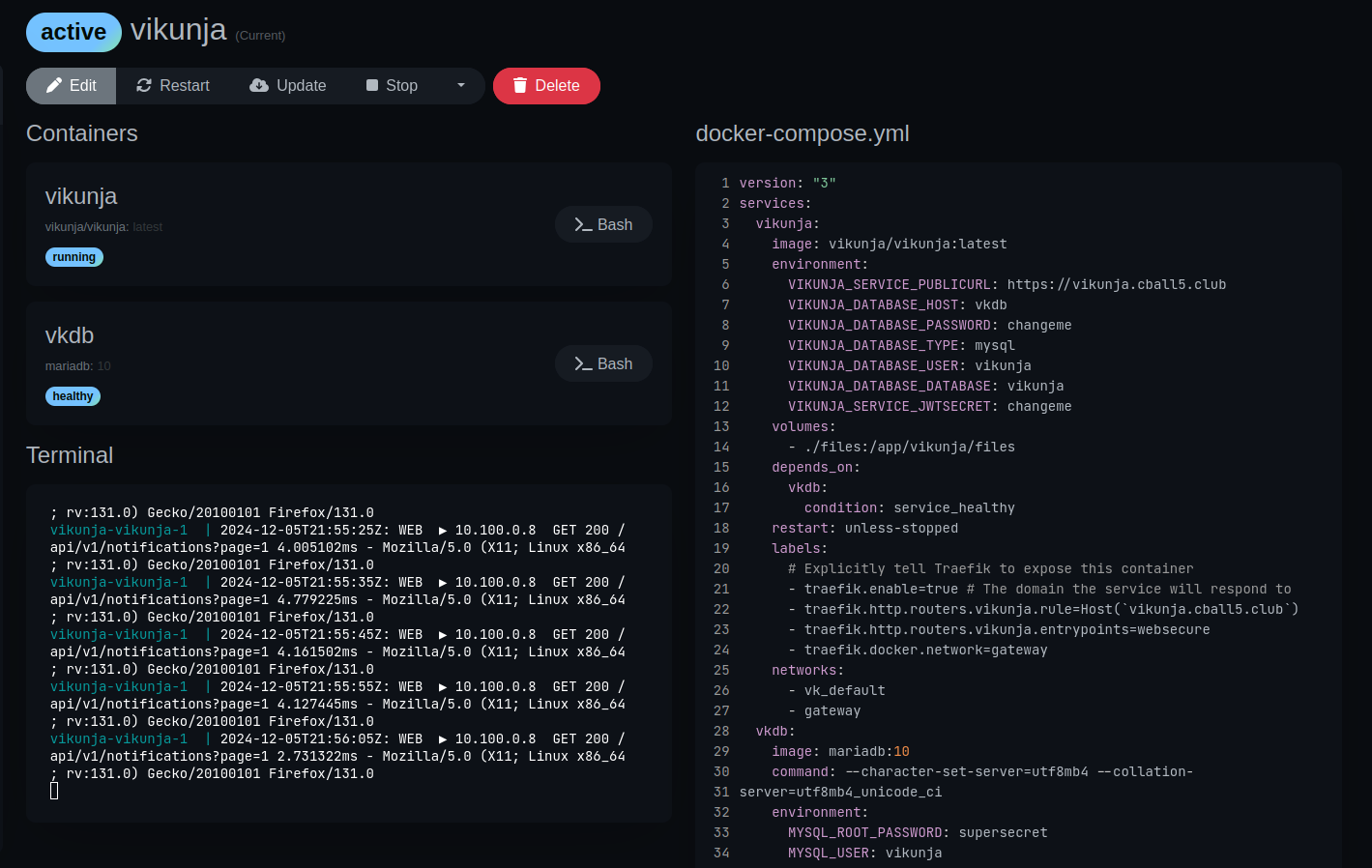
Sigh
Yes, I see it. I know it’s there. I did a naughty thing. It’s
DEFAULT CREDENTIALS
Oh good golly gee, a container in an isolated virtual network that cannot be communicated with outside of the Vikunja container has bad creds.
I will fix it, but not today.
Adguard-home
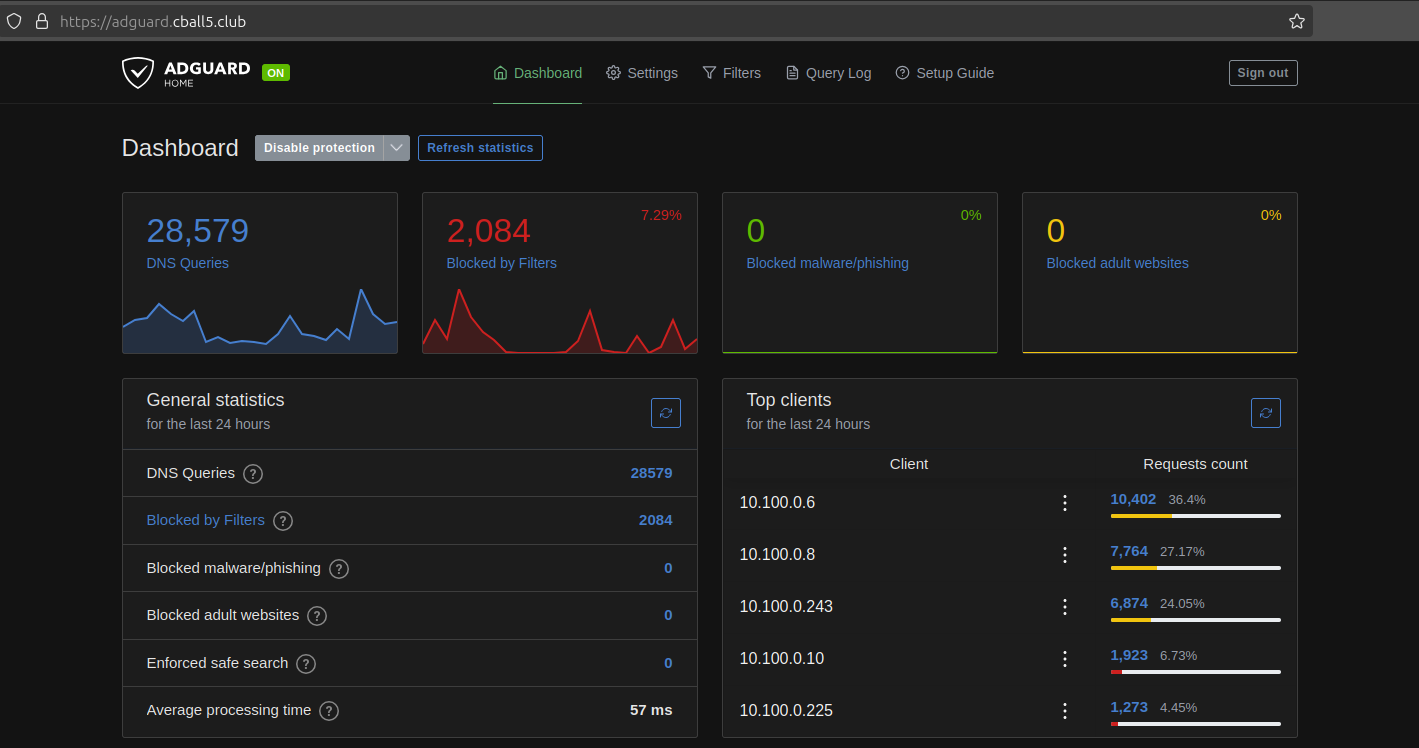
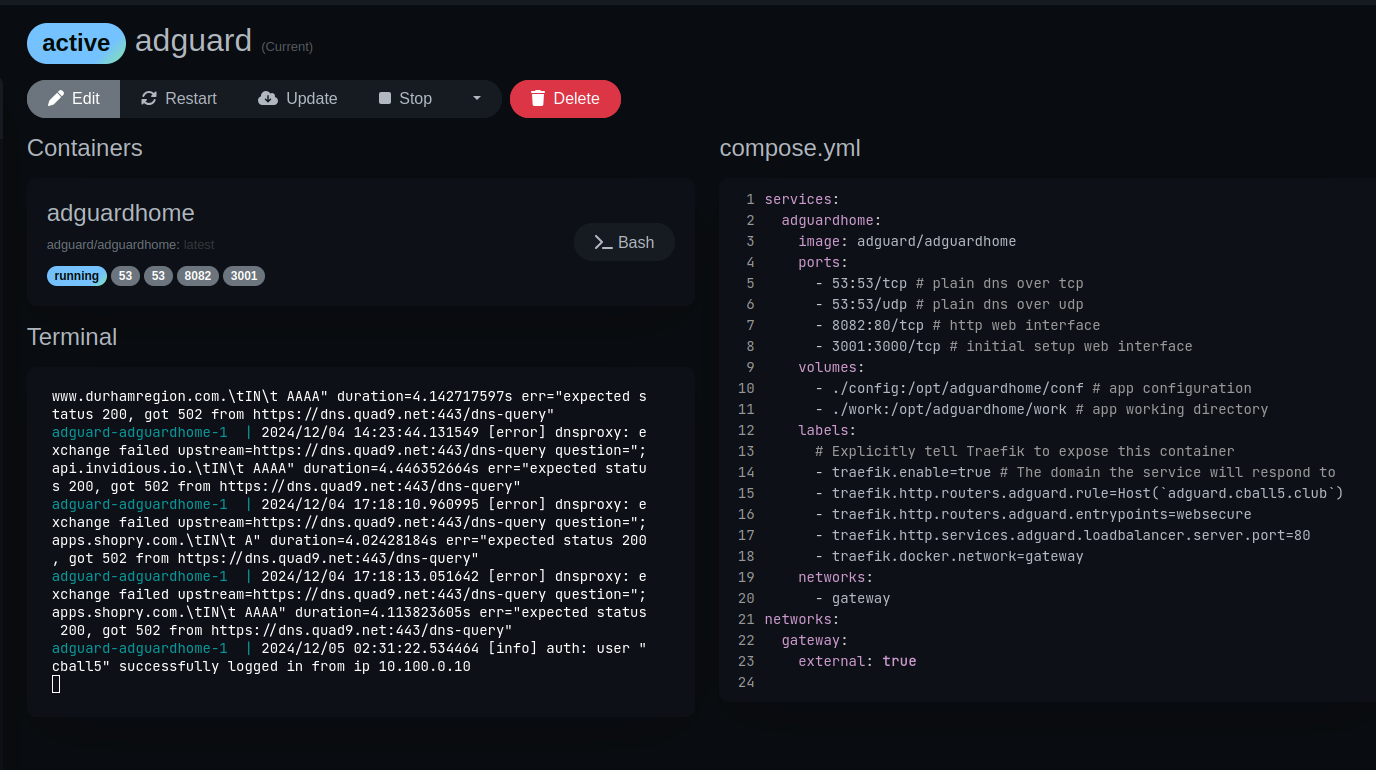
AdGuard Home is a wonderful piece of software. It provides ad-blocking functionality for all my devices & services. I’ve got it loaded with all sorts of nice block lists. Some of which are included in the configuration wizard, and some I added after the fact. For most people, the included lists are more than sufficient to block most tracking pixels.
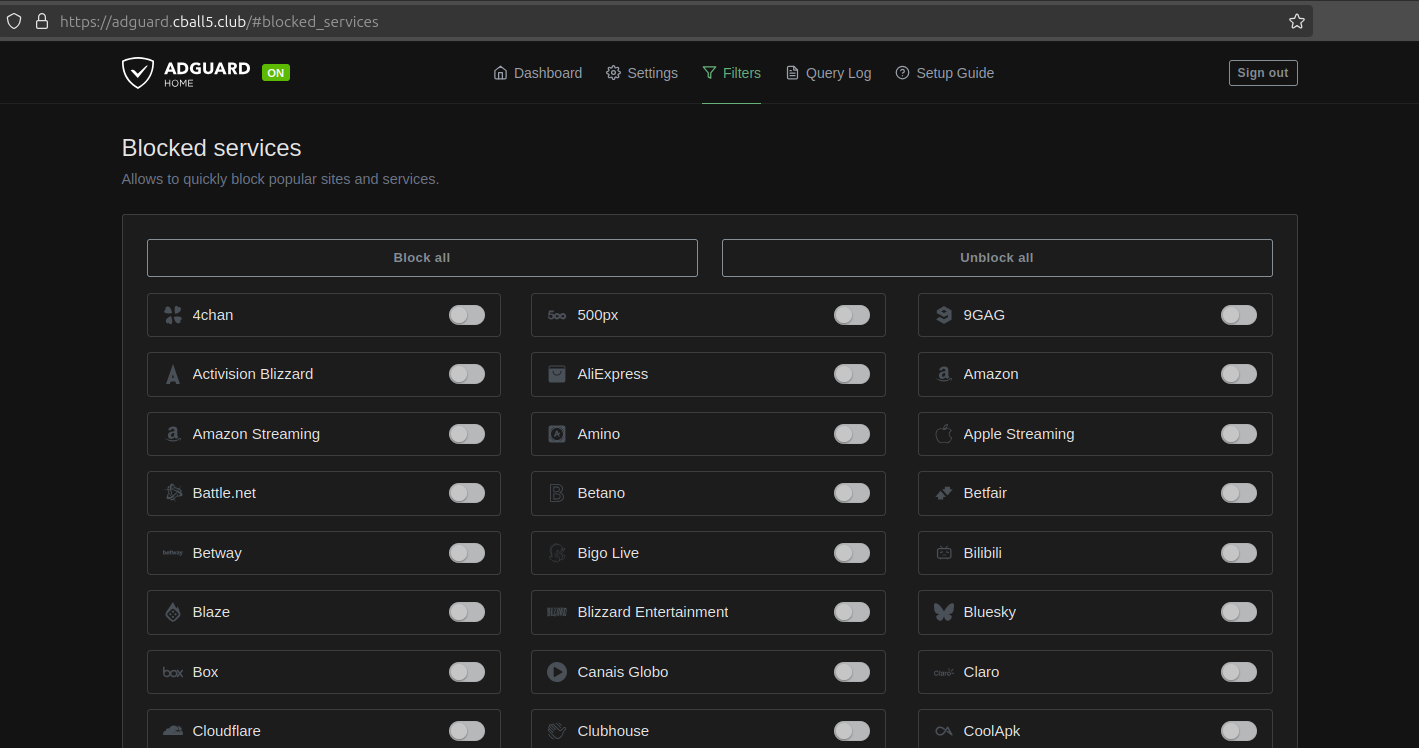
One thing in particular I appreciate is the ability to block individual services and content categories. This keeps me productive. If I’m spending more time than I should on Discord or YouTube, I can simply switch them off. It also allows me to shield my family from things they ought not be exposed to via parental controls.
Gitea
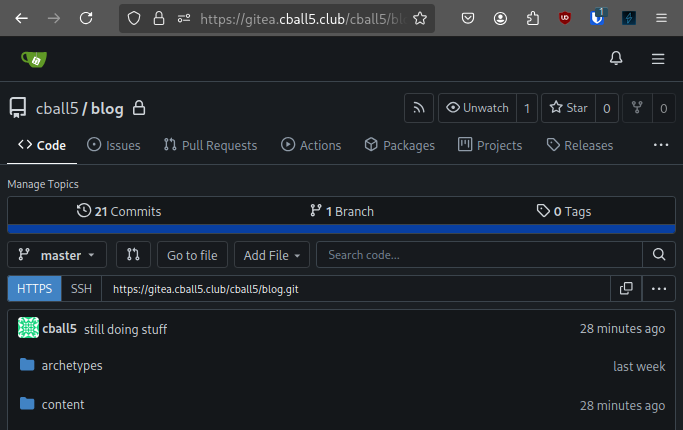
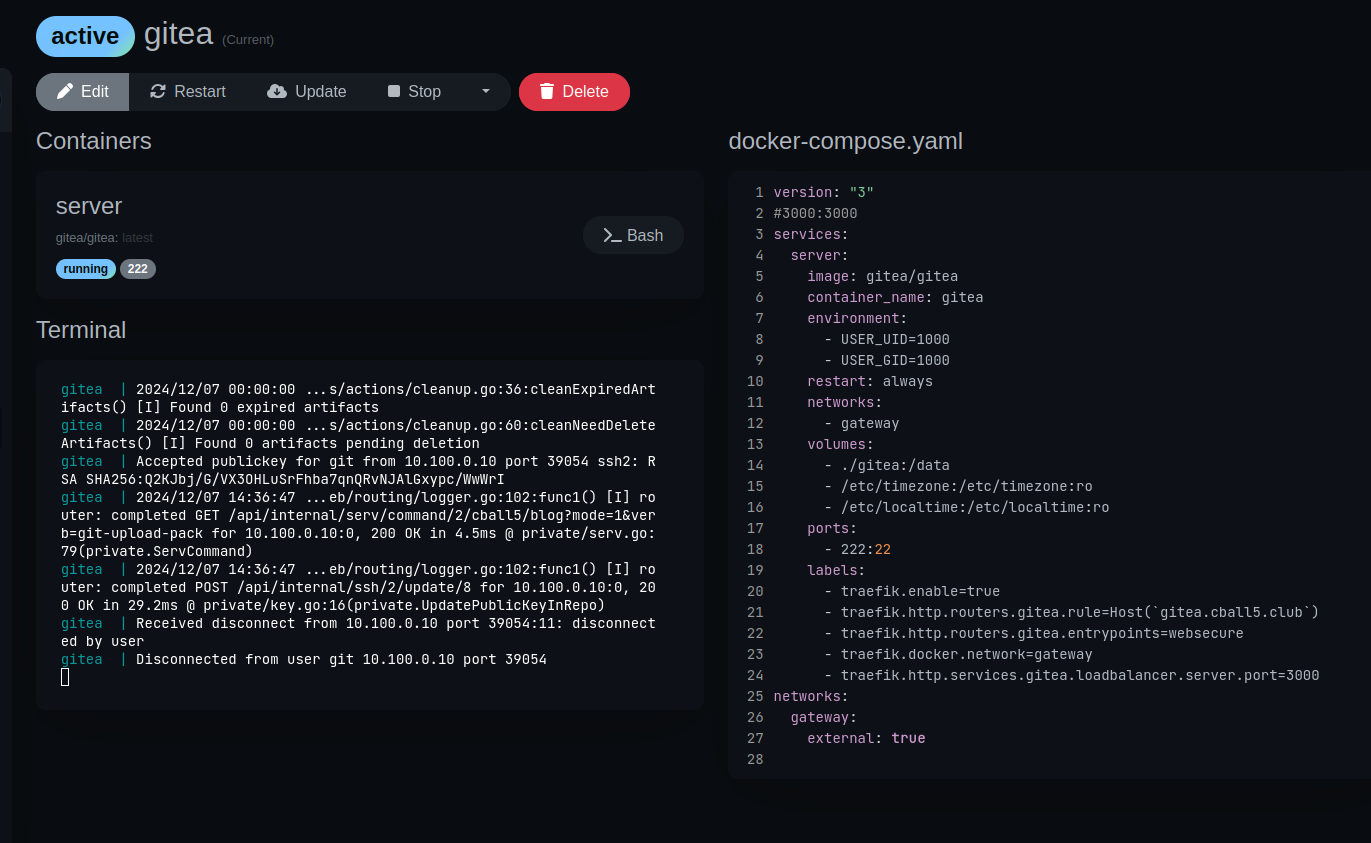
Gitea, as the name suggests, is my git server. It gits ’er dun. Gits my code, blames me for bad code, and stores it for later.
We’ll discuss my CI/CD projects in later posts that include the Gitea Actions functionality.
N8N
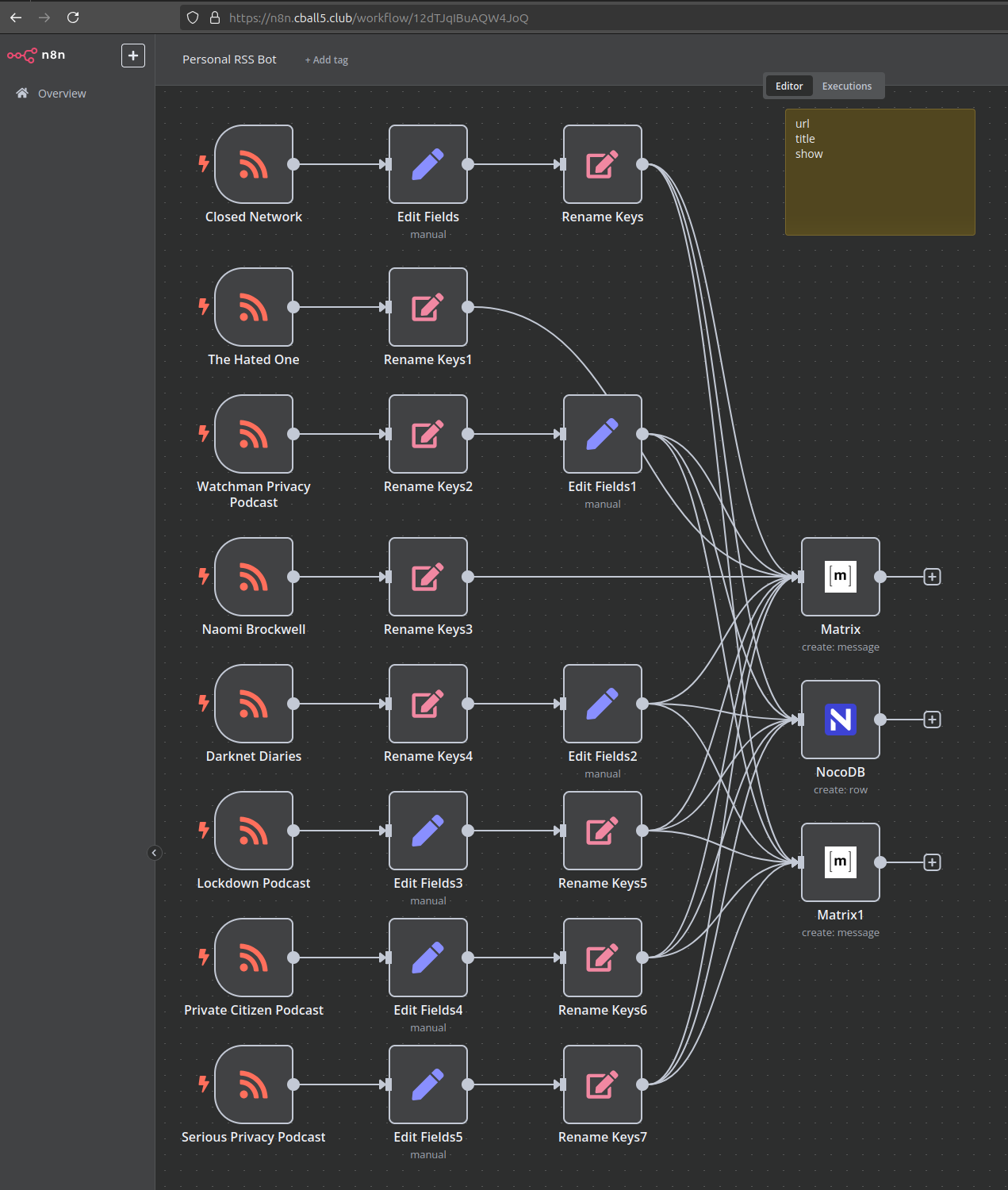
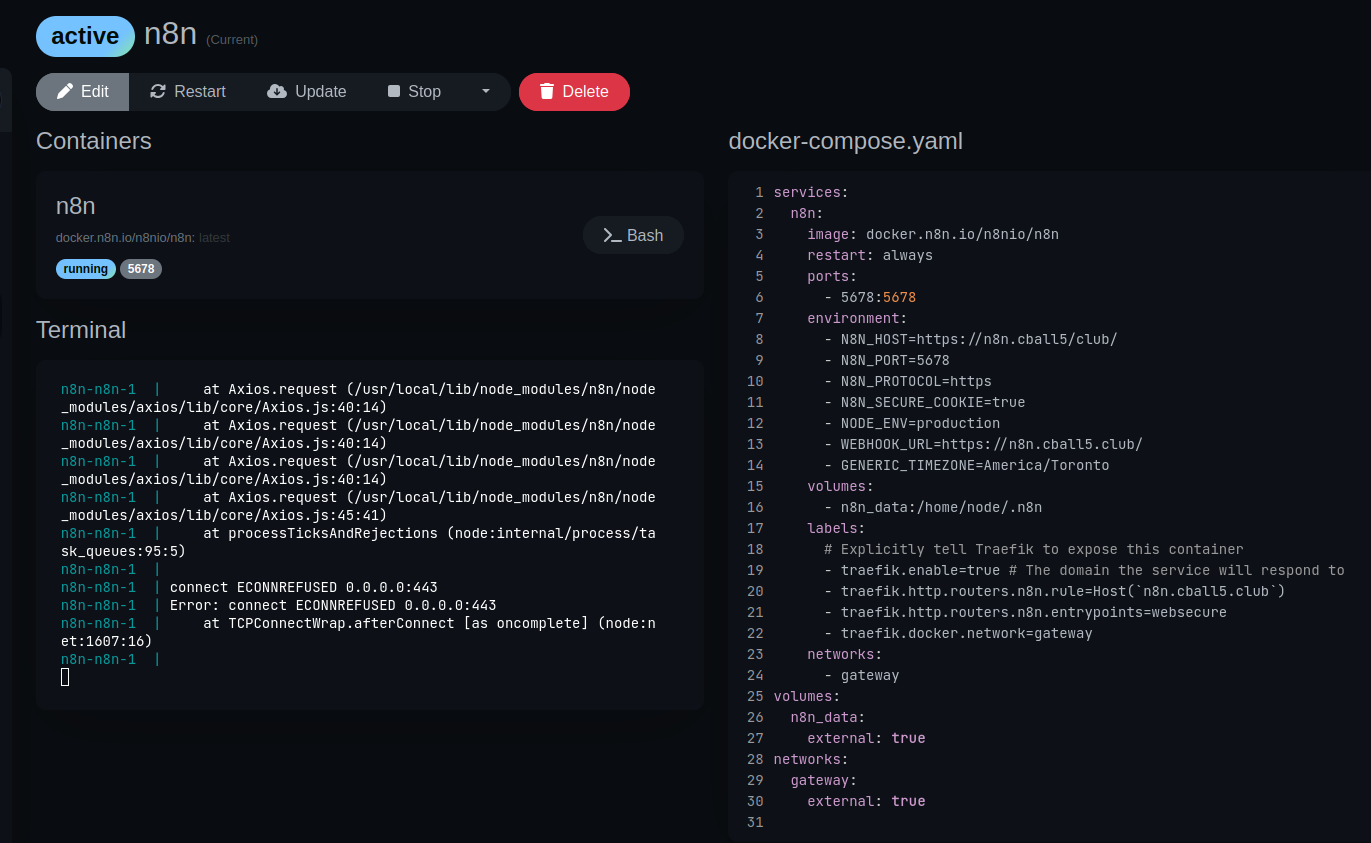
N8N is a powerhouse for writing no-code programs that react to stimuli. What might take a novice hours to research and write in Python, in N8N takes minutes of some drag-and-drop simplicity. I use it for a few things, including a matrix bot that forwards an RSS feed to my inbox. Here, let me show you. I won’t be going into all my projects in depth; that’s for another day.
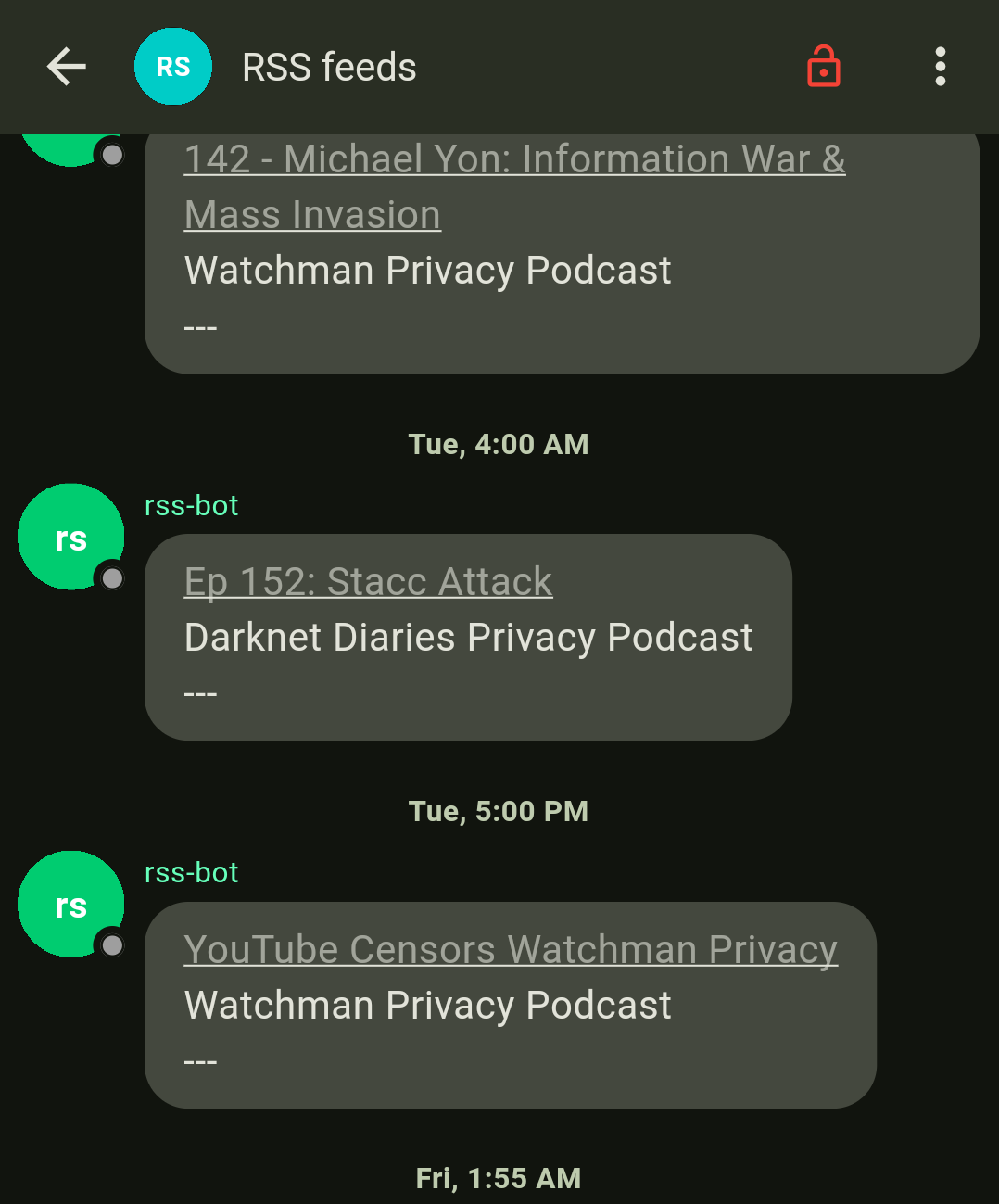
It does its job and doesn’t complain all that often. If it does, it was probably my fault.
In the case of the program above, it creates a post in a couple different places, including 2 matrix servers and a NocoDB table, because I could. I don’t have a good reason for the NocoDB table, but it does provide some good text data for some database labs that I’ll talk about later.
LubeLog
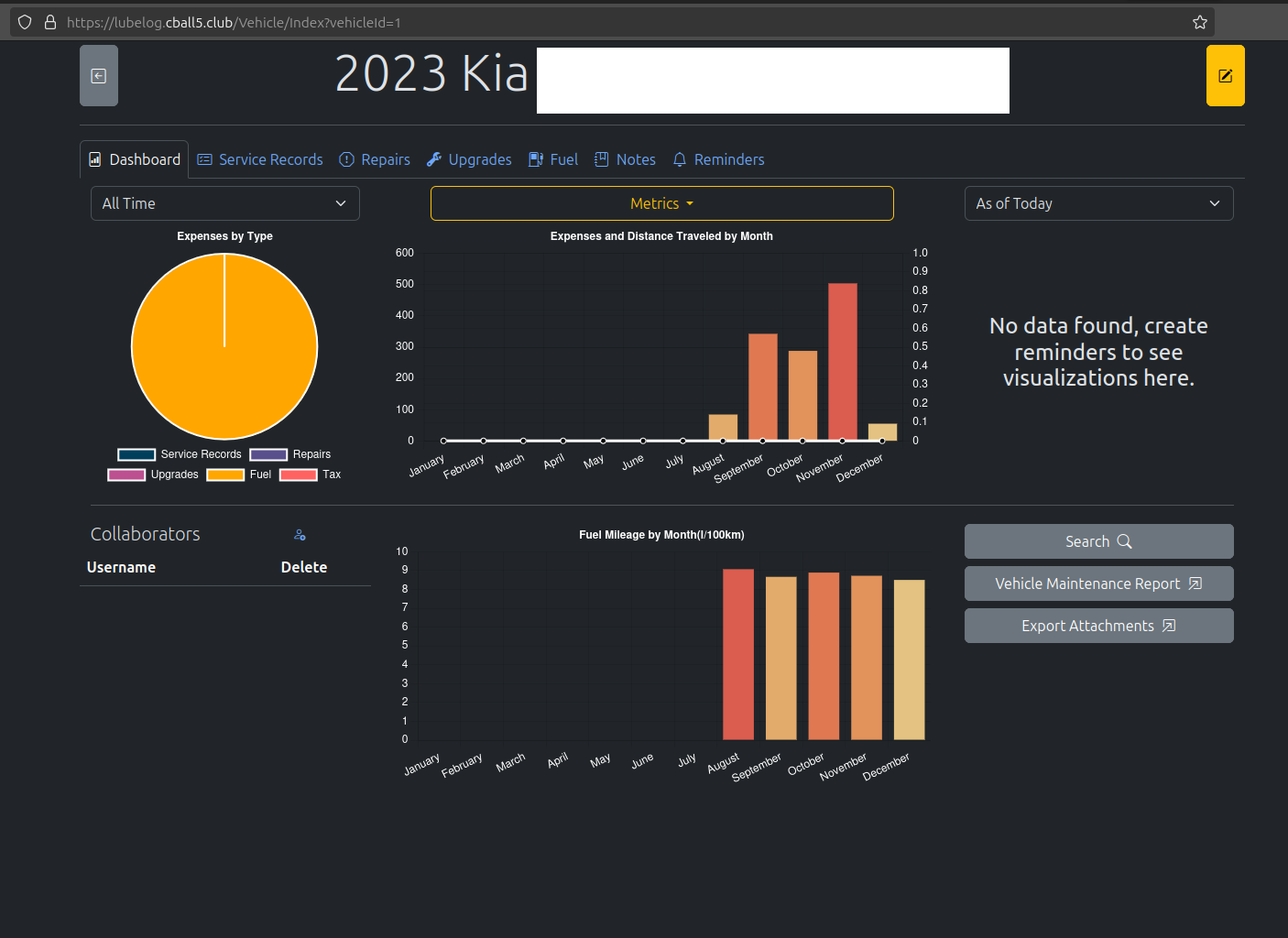
This is one I don’t quite use to its potential, but I find it very useful in monitoring metrics like fuel efficiency in the vehicle I drive. I intend to use this on other vehicles in my vicinity in the near future and include things like maintenance and repair records. That way, the nice pie graph above will be filled in with all the pretty numbers.
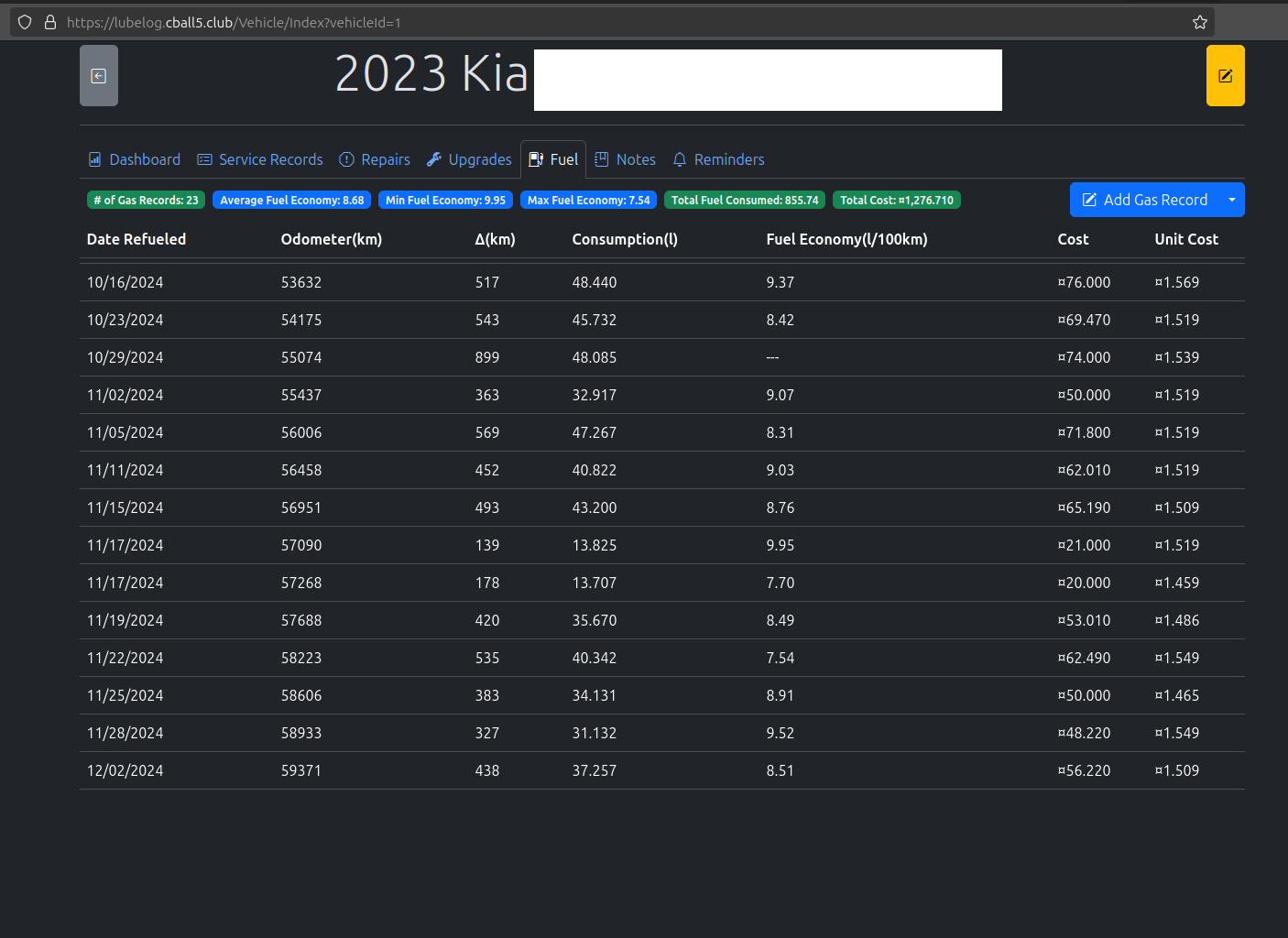
One thing I particularly like about this app is the ability to input fuel records along with the mileage of the vehicle. This is important because it can also alert you when you are getting close to needing an oil change. Further, you can collaborate with other users who may have access to a given vehicle.
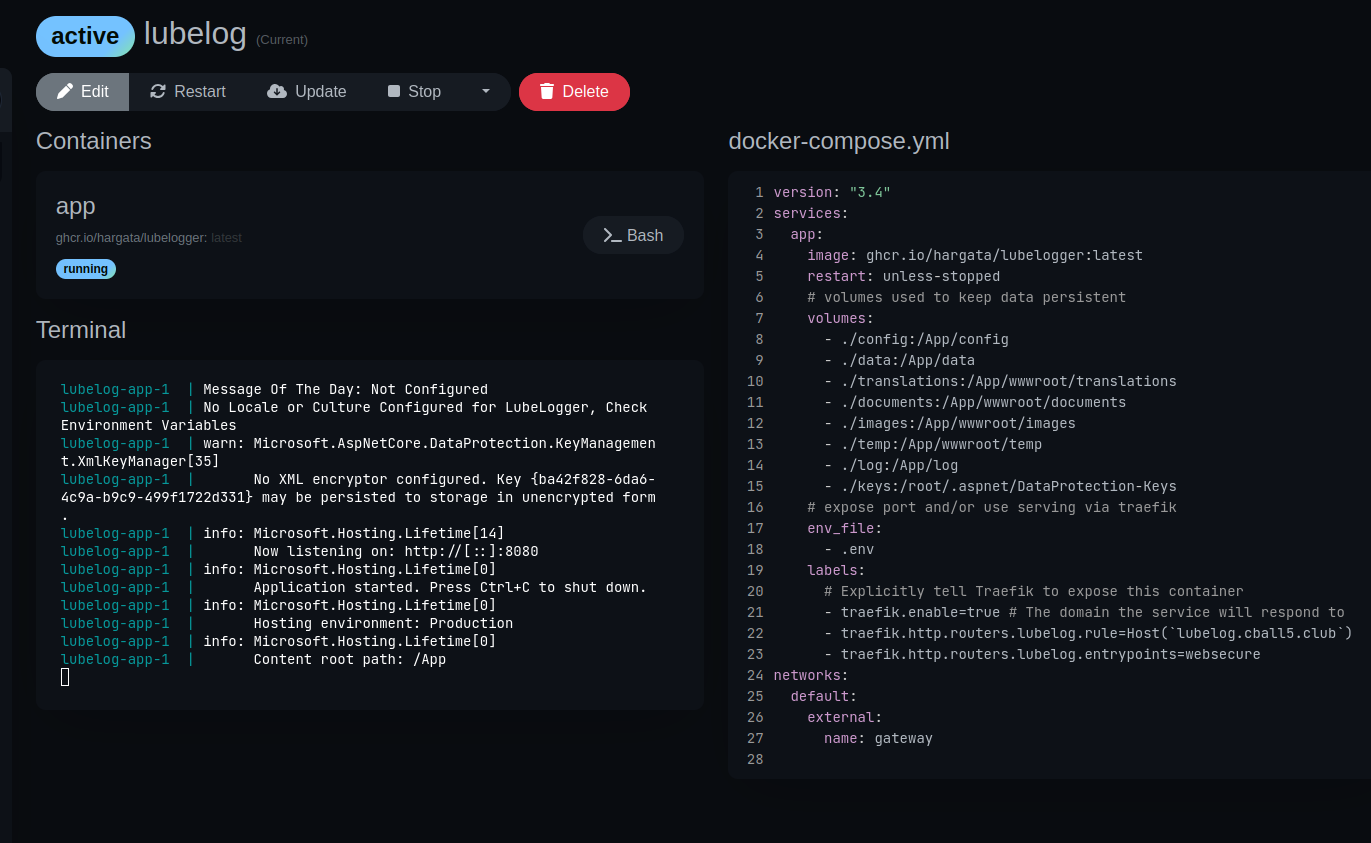
Unifi Controller
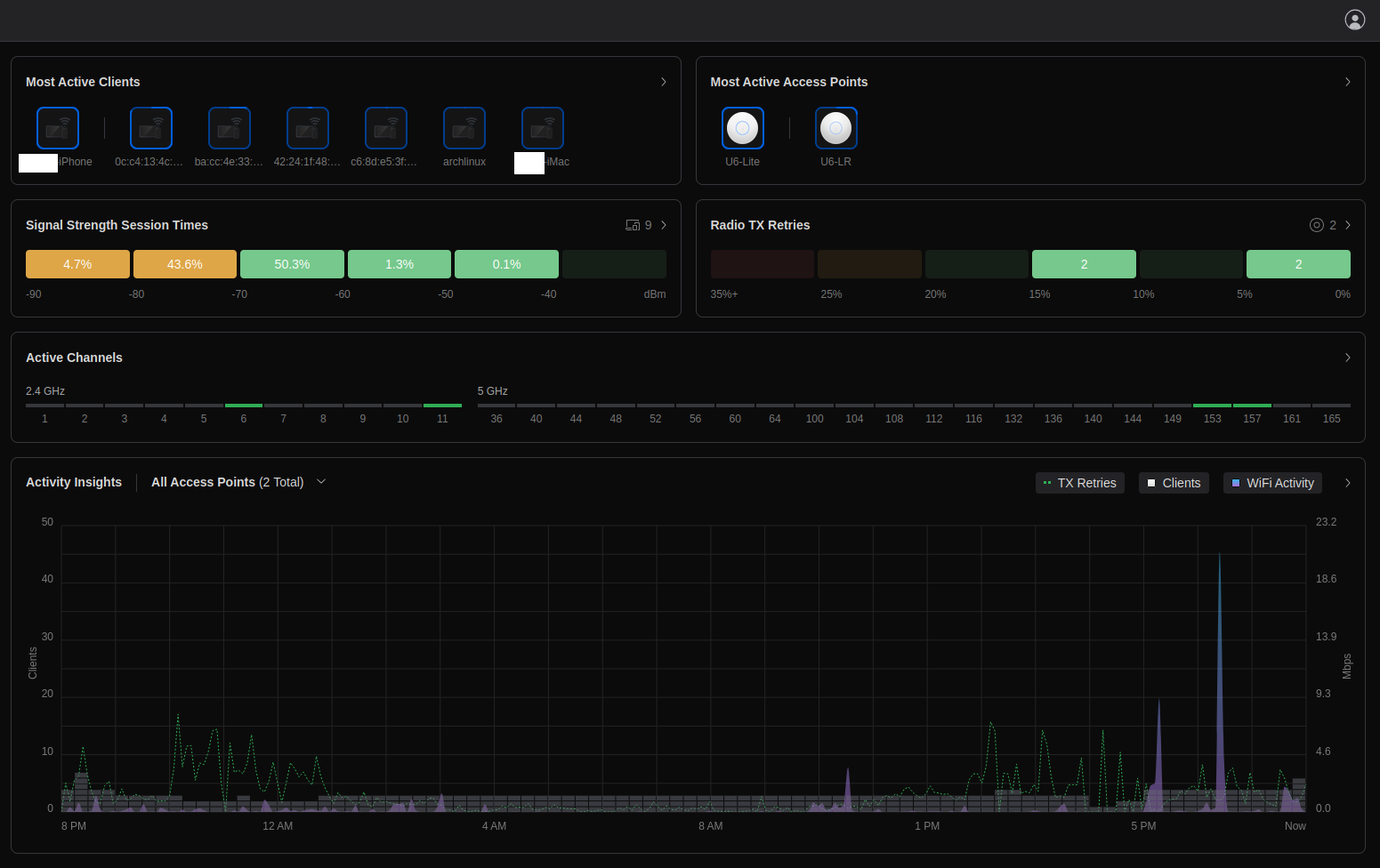
Unifi controller, as briefly explained in the wifi section of the hypervisor post.
Who doesn’t like pretty graphs?
I sure do.
So I’m going to show you mine.
Unifi does most of the stuff behind the scenes to keep everything updated. That’s fine by me, till I can upgrade to enterprise Wi-Fi gear.
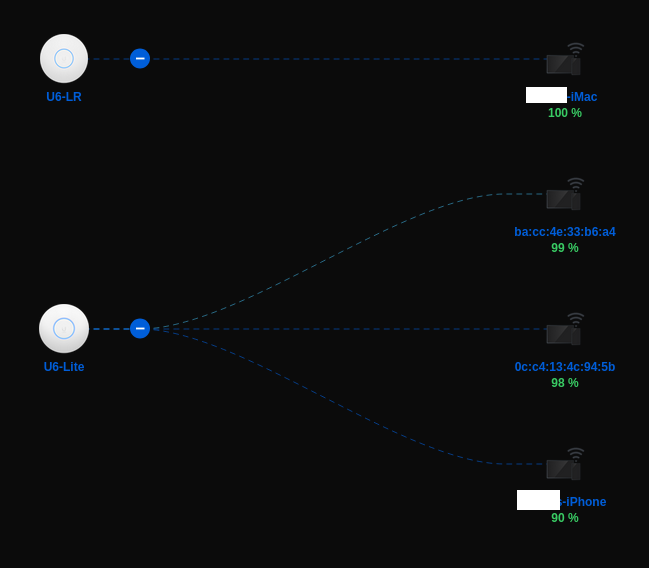
But Corey, why so many access points for 4 devices?
Because I got em, I might as well use em.
I used to have more devices online, like a smart TV and my air conditioner. But then I started to take digital privacy more seriously. I then blocked my air conditioner on the Unifi dashboard and sold my smart TV. No regrets.
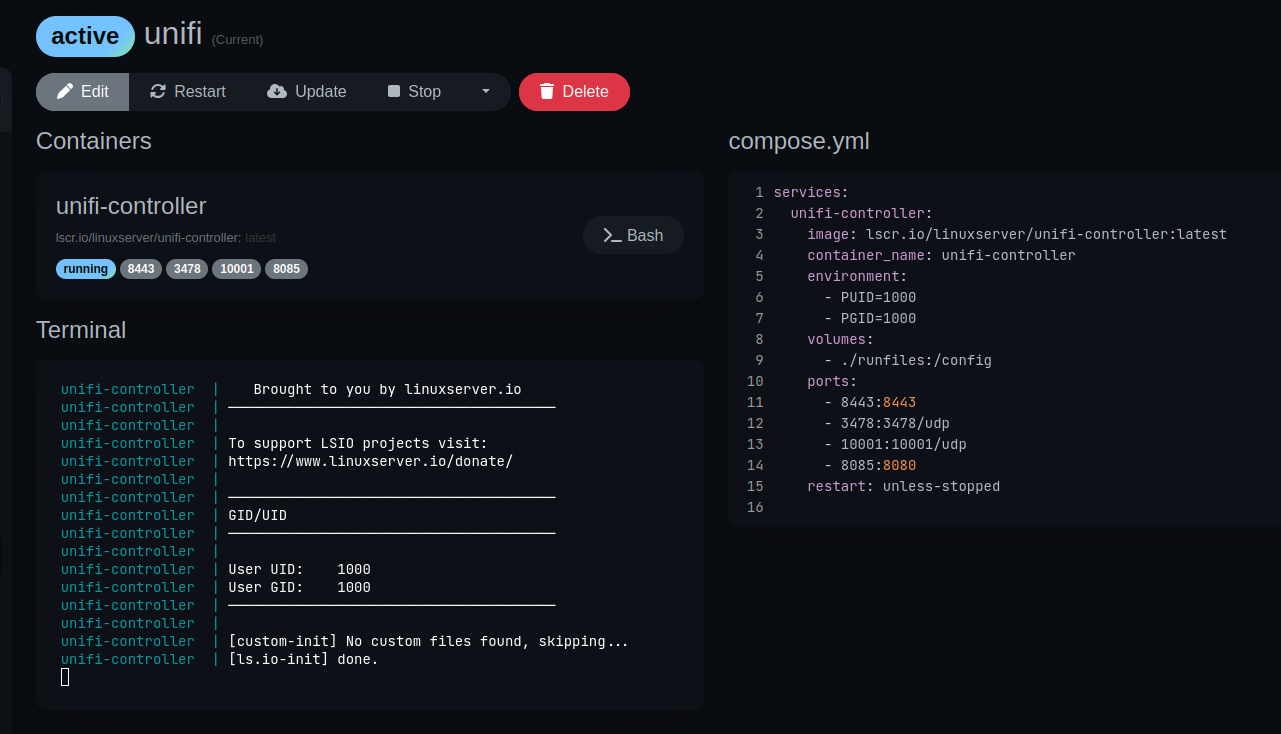
I didn’t bother configuring this one to use the load balancer. IP access only for this one.
homelab docker compose services selfhosted digital privacy
3057 Words
2024-11-28 00:00 (Last updated: 2026-05-02 05:26)
2f80c01 @ 2026-05-02