7 minutes
Lab Writeup Series: Hardware
This is my lab
It’s not much, but it’s mine. I got it piece by piece, at great discount to my wallet, and at great cost to my sanity.
Come along as we explore the Jank.
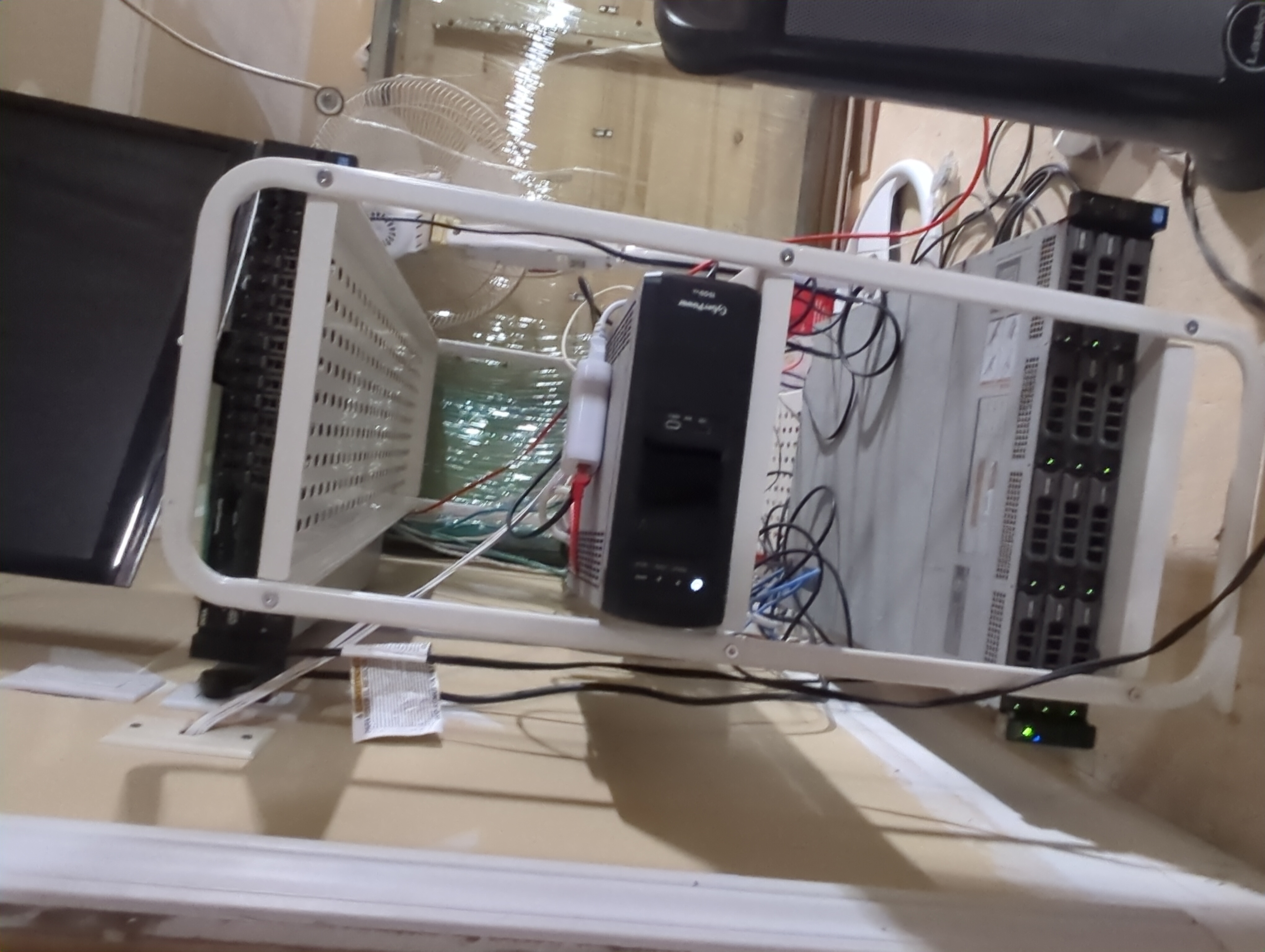
I call this the maw of the beast. It screams like a banshee and spews hot air.
The Switch
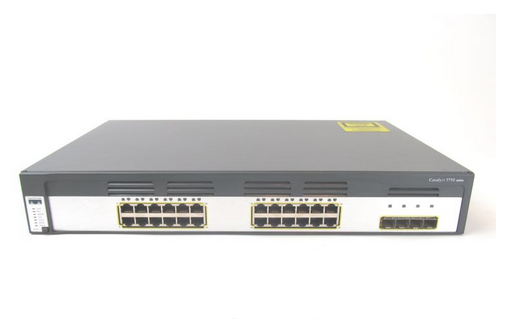 Image retrieved from https://www.vibrant.com/Cisco-WS-C3750G-24TS-S.html
Now, this is what it looks like off the shelf, but how does it look in my lab? Behold my spaghetti.
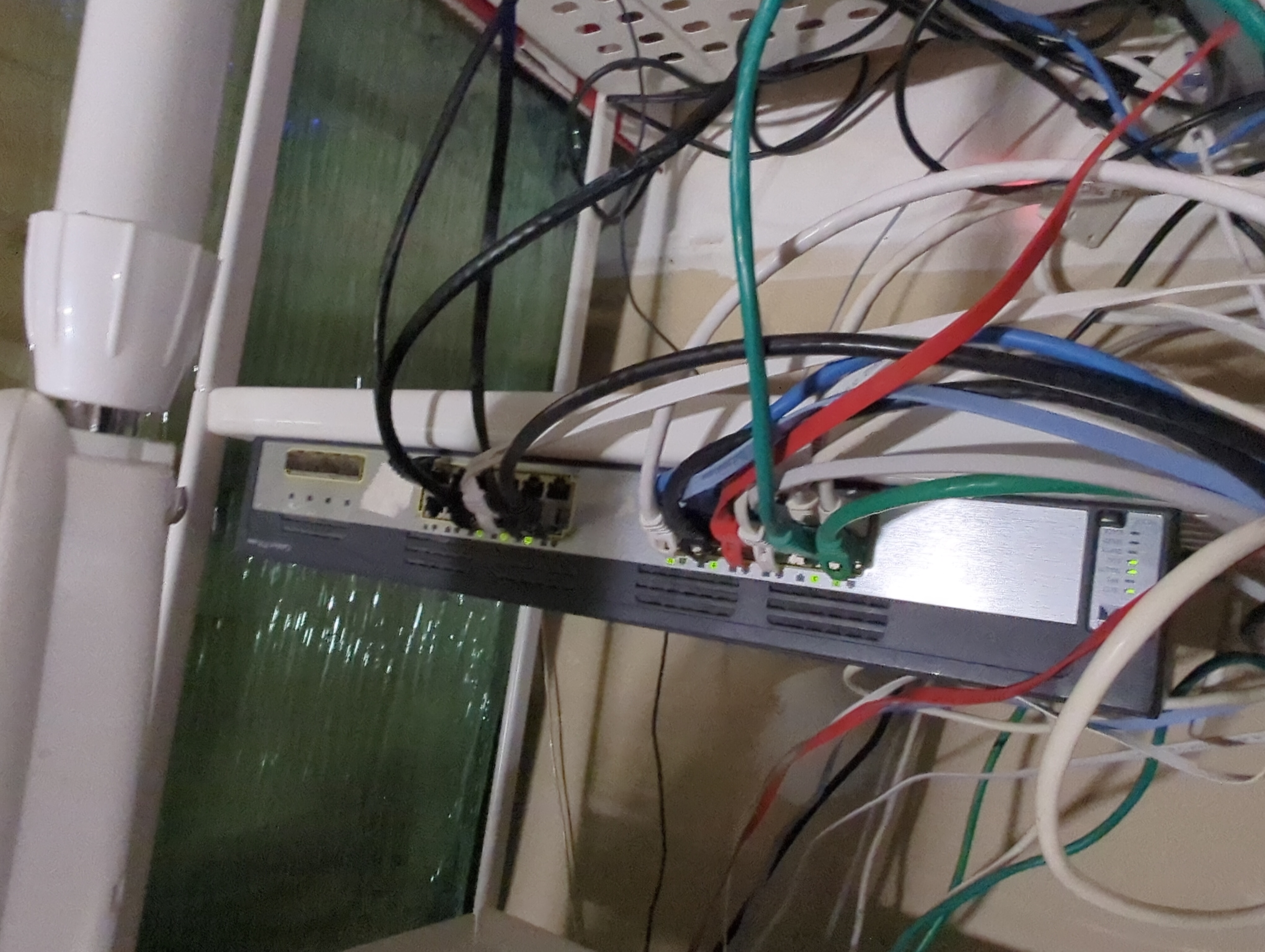
The switch I’m using is a Cisco 3750G-24TS. I got it off Kijiji (a Canadian marketplace alternative) for a grand total of $50. The guy asked me if I wanted the PoE version; I said no. This is a regret I live with to this day.
Being an L3 switch and using Cisco IOS, I get to practice my Cisco switch configuration skills and benefit from the relatively indestructible nature of this switch.
Paired with the PFSense router, I’m able to make all sorts of weird and wonderful network topologies. I’ll be getting into that in the near future in more detail, but one such project was using PFSense in a router-on-a-stick configuration by using VLANs. I did that because the machine I was using only had 1 ethernet port. It worked surprisingly well, actually.
The Wifi
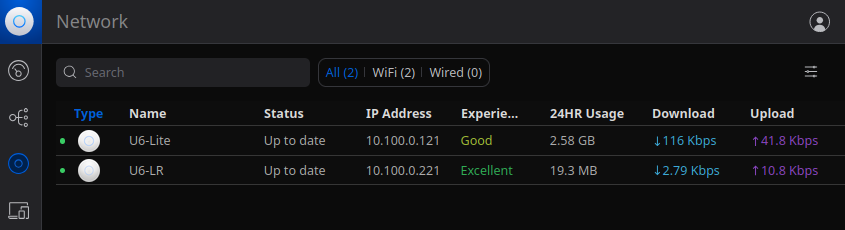
I am the hesitant owner of two Unifi Wi-Fi 6 access points. One I’m just babysitting, though. I’ll give it back, I promise.
I’m not hesitant because they’re bad quality, but because I disagree with some of the business decisions Unifi has made in the past.
But enough about that. Let’s talk shop.
The AP that’s mine forever. Let’s play a little where’s Waldo. Can you spot it?
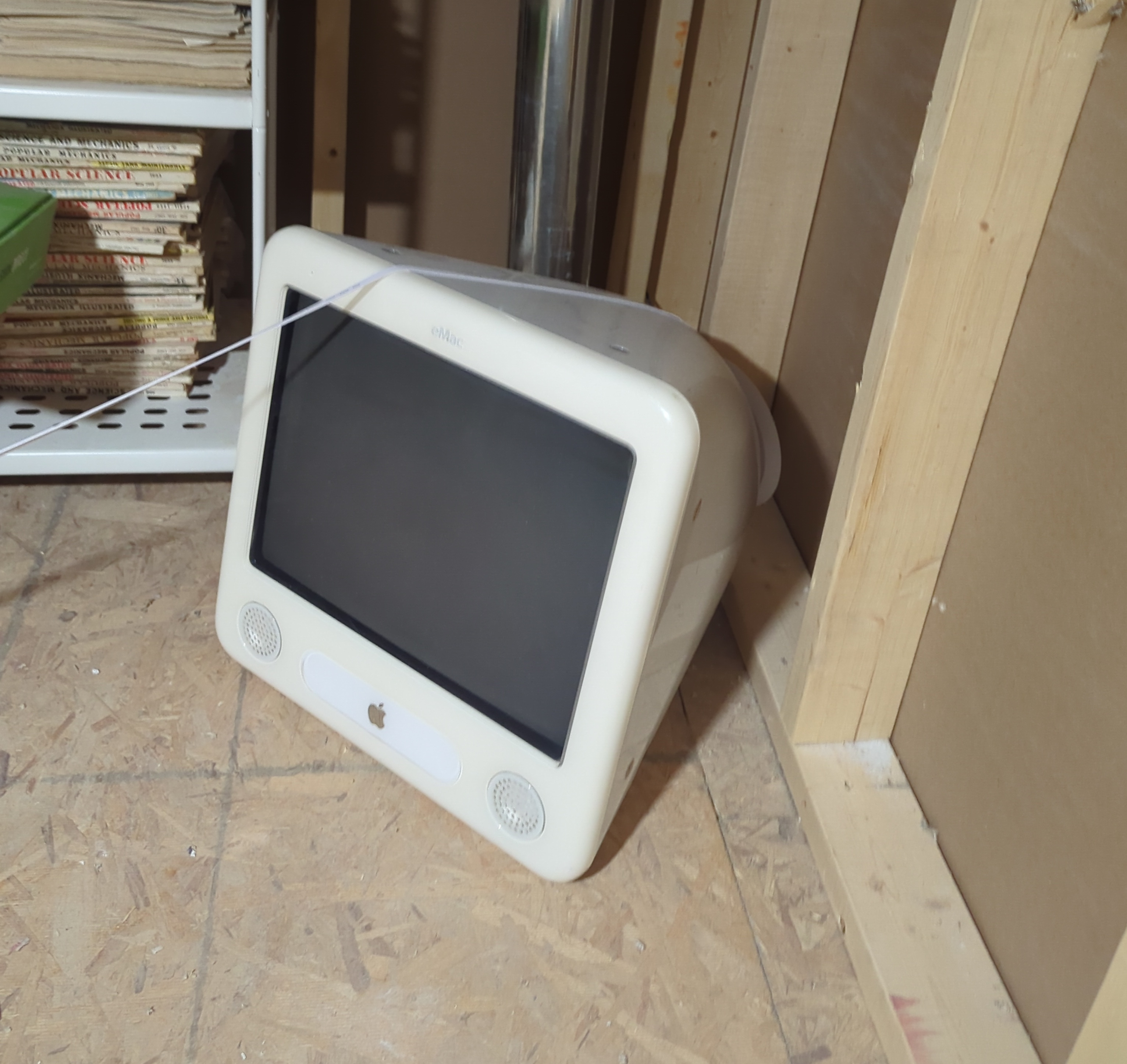
Maybe? Maybe not? Too focused on the old eMac or the popular mechanics magazines? Let’s get a little closer.
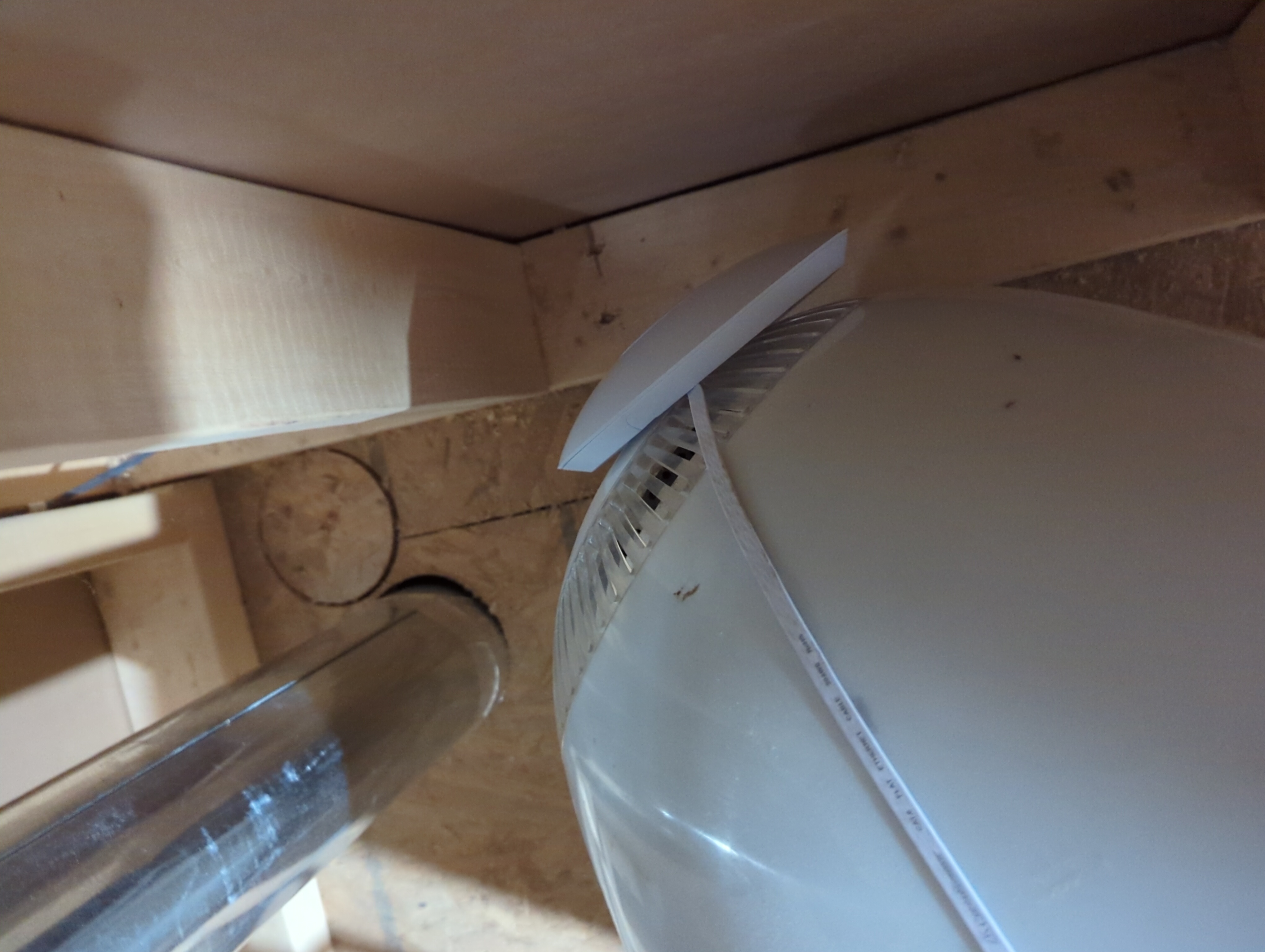
Ah, there it is. This is an attic storage space in my house. Behind this wall is my apartment. There’s an ethernet cable strewn across the floor to my switch in the rack. It isn’t pretty, but I have decent wifi. I can’t really complain.
Why’d I get them?
I was given the opportunity to outfit my parent’s home with wifi hardware of my choosing. I was given a proverbial blank check and a mandate to make the wifi great again.
The nerd in me wanted to buy some enterprise Aruba or Cisco gear. But then I’d be liable to fix it when it breaks. So I compromised and picked something that worked well enough and was user-friendly in comparison.
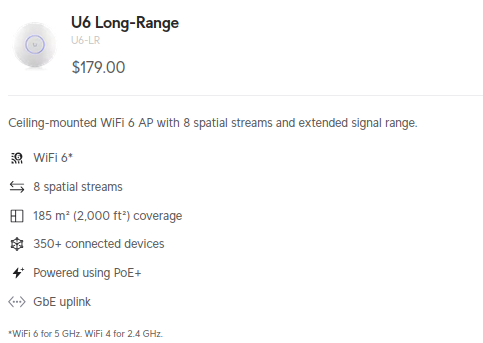
For my family, I chose 2 Unifi Wi-Fi 6 Long Range Access Points. I hooked them up to their ISP-provided router, set them up with a laptop they had on-site, did a walk-through to make sure the meshing was working properly, and left them to their own devices. I left it at that and never heard of it causing them any issues.
They were very impressed with the performance. Going from 20 Mb/s at times to well over 200 Mb/s was an eye-watering change for my family, who thought that’s just how their internet was.
Their previous setup
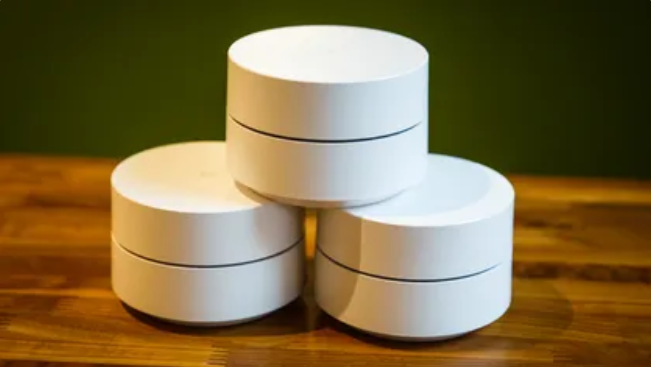 Image retrieved from https://www.cnet.com/home/internet/google-getting-rid-of-the-google-wifi-app/
My family has a home that is large enough that it needs some form of meshing. This led to them trying Wi-Fi extenders and eventually settling on Google Wifi hubs. Quite a few of them, in fact. I think it was in the range of 7 or more.
They were finicky, and I would have to factory reset and re-add at least one of them whenever I was able to visit. They were also dreadfully slow with the number of devices on the network.
Well, how’d you score one then?
I was gifted a U6 Lite in exchange for my services in installing and configuring their new wifi. I was psyched to self-host the cloud key, at the very least. Being grateful at the opportunity to have some wifi 6 goodness of my own, I put my ego aside and got to work installing it in my lab.
The Servers
PowerEdge R720
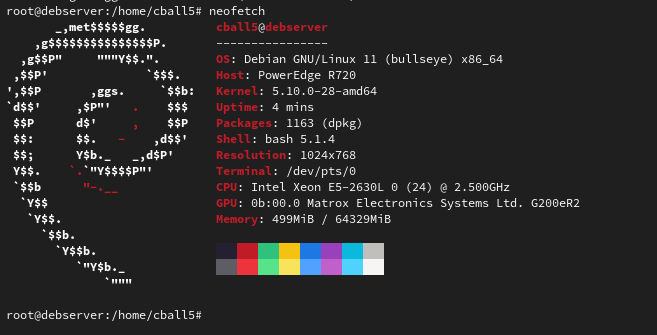
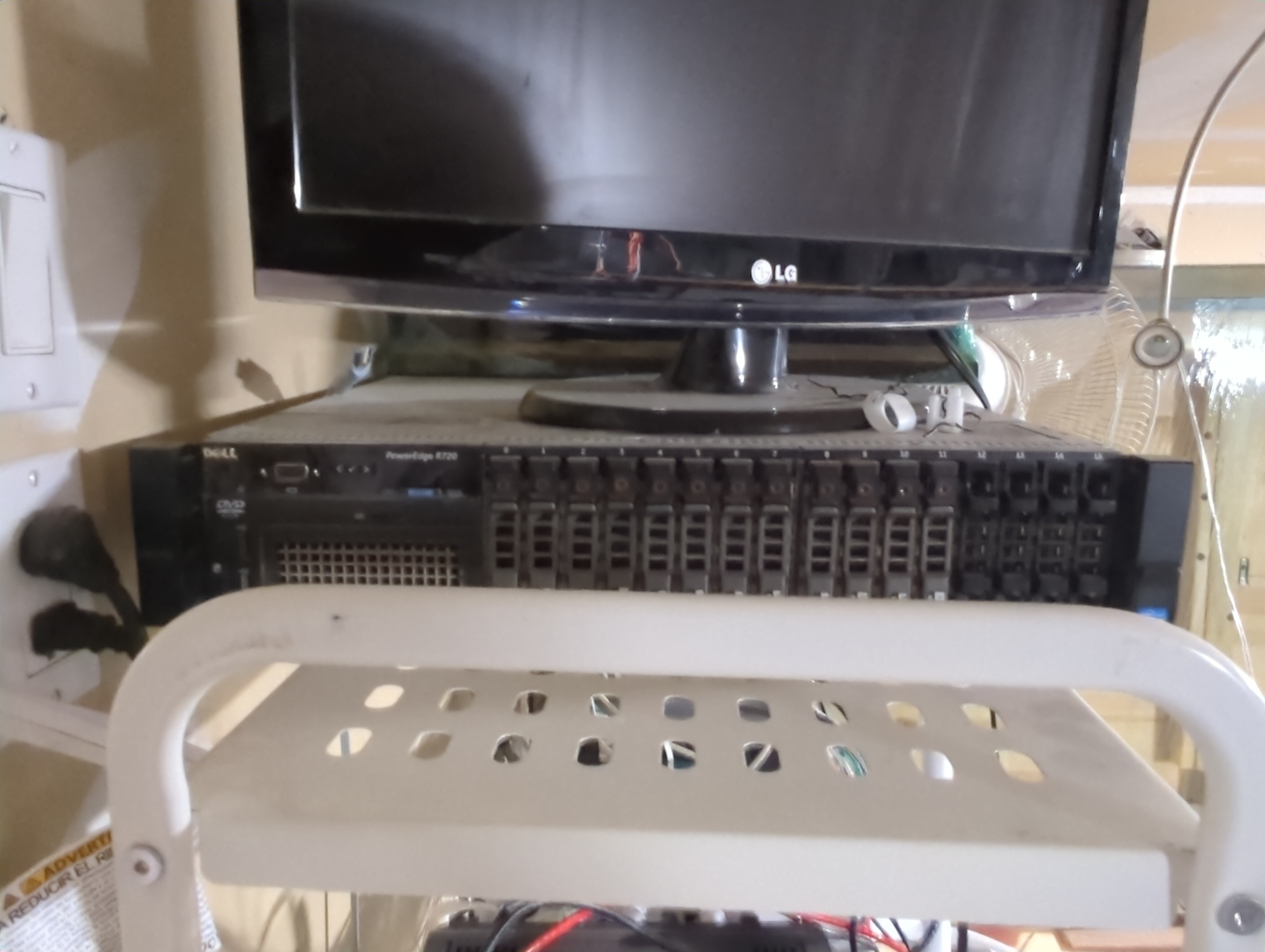 This server was my first serious piece of computing hardware. It’s nothing special in terms of specs, but I made do on a great many projects with this dependable machine.
It also has the dual Xeons, but with its 64 GB of RAM and 250 GB of 2.5" SAS drives, I am limited in what I can do with it. The main system sits within that 250 GB, and despite how lightweight Linux distributions are, I can’t fit too many virtual disks on that drive, which limits my virtualization ability at large scales.
This is what prompted me to invest in the machine below.
Update Dec 17th 2024
RIP my lovely server, you served me well. While you may not boot, you make my rack look full, just as you filled my heart.
Update Dec 31st 2024
She lives! The RAID controller somehow lost its configuration after a power outage and prevented it from booting due to the drives not being readable. The symptom was that it hung at “Scanning for devices” while booting. From my perspective, this signified a bad BIOS or PCI device. In fact, it was simply just not able to read the boot device.
A reinstall of Debian has this server back on its feet.
PowerEdge R720xd
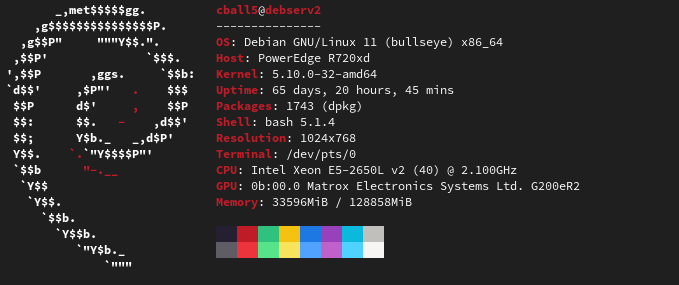
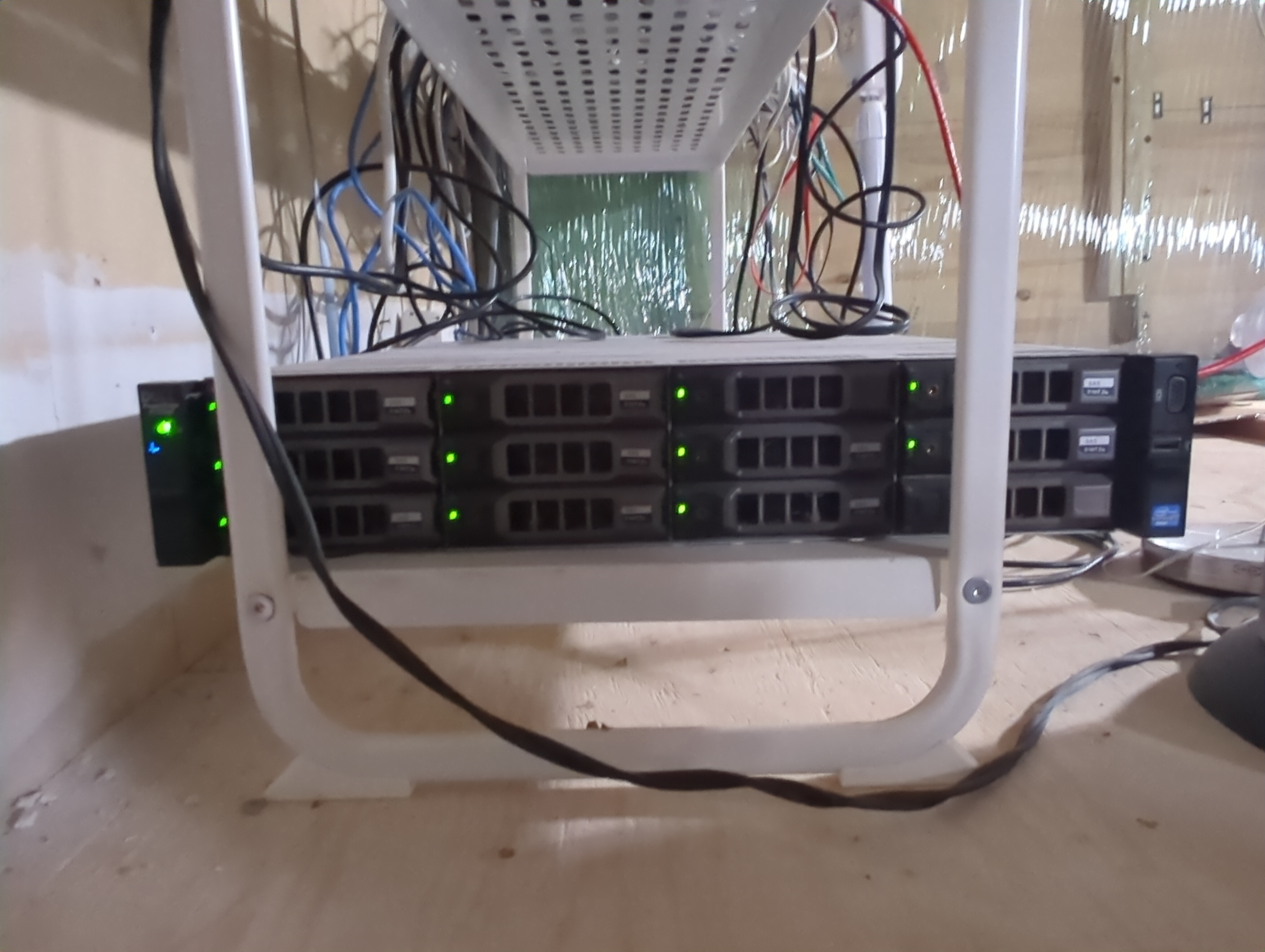
It chugs power, it’s hot, and it’s very loud. But it keeps the contents of my garage from freezing in the winter, and I love it.
I got it off Kijiji for just under $1000 CAD.
I was a student at the time, so I needed something I could slide in my Lack Rack and not have to wait on any additional parts. For this reason I looked specifically for units that included drives. And, oh boy, did it ever have drives. It was fully loaded with 3.5" SAS drives totaling 33TB. I stuck an SSD in there for good measure for the boot drive, though.
Dual Xeons and 128 GB of RAM were exactly what I needed to do my labs for school. See, some of the hardware requirements for those labs were immense. Constructing small businesses worth of virtual infrastructure on a ThinkPad was just not going to happen.
This machine has served me well, and in future posts I will go over the shenanigans this beast has facilitated.
iMac18,3 1.0
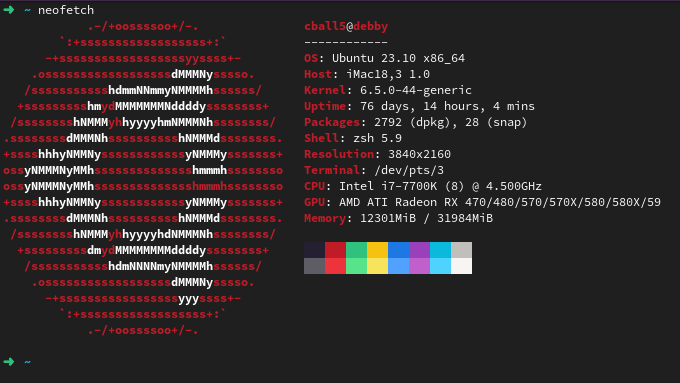
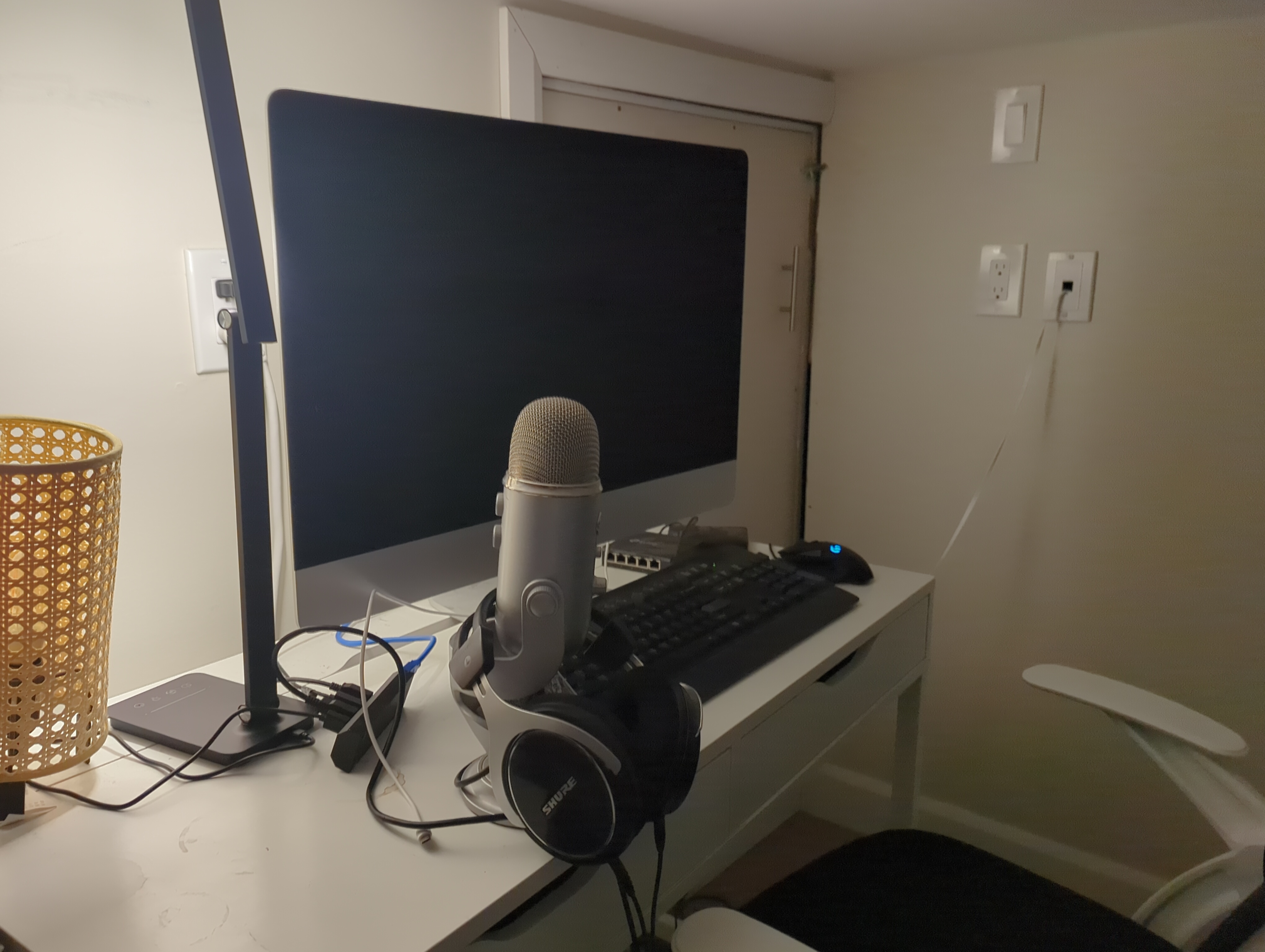
A hand-me-down iMac with decent specs. With 32 GB of RAM, an i7 7700K, and a decently sized drive installed, I have now made this machine my desktop of choice.
This machine stands tall in the face of whatever I throw at it.
I occasionally run LLM workloads on its CPU, and it works.
VM or two? You gotcha.
A whole bunch of Docker containers? Yep, no problems there.
Doing all that at the same time? That’s where I’m at with it at the moment. It’s a capable machine and the cornerstone in much of my homelab work that doesnt need to reside on my other servers.
The UPS
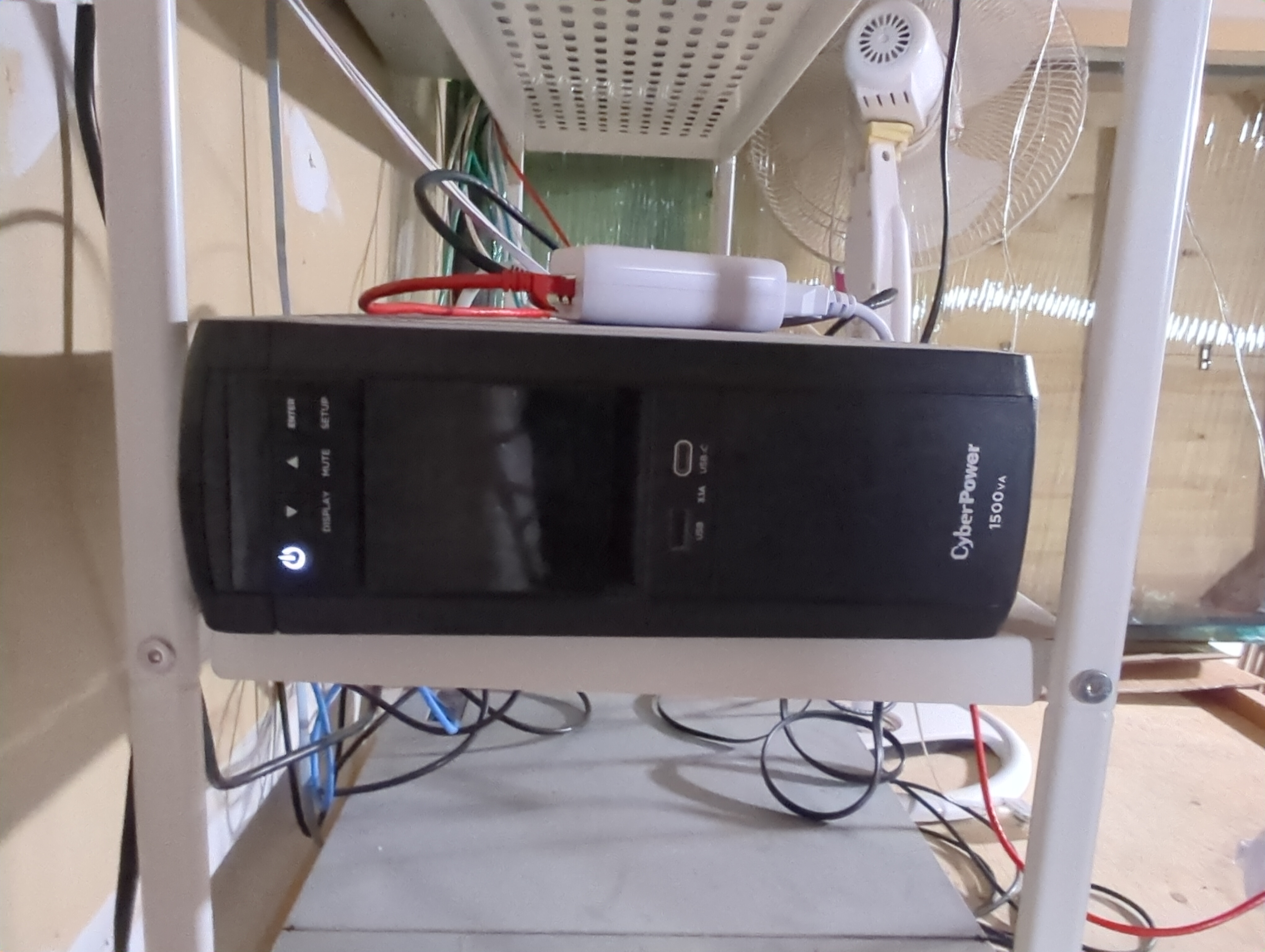
A gift, this APC UPS isn’t anything special. Running full-throttle, my lab can run a staggering 10 minutes on it in the event of a power outage.
To its credit, that’s plenty of time for the generator to kick in.
The Router
For the moment, this is a PFSense virtual machine on my r720xd. I go into the details in this post.
Behold the absolute state of this rack
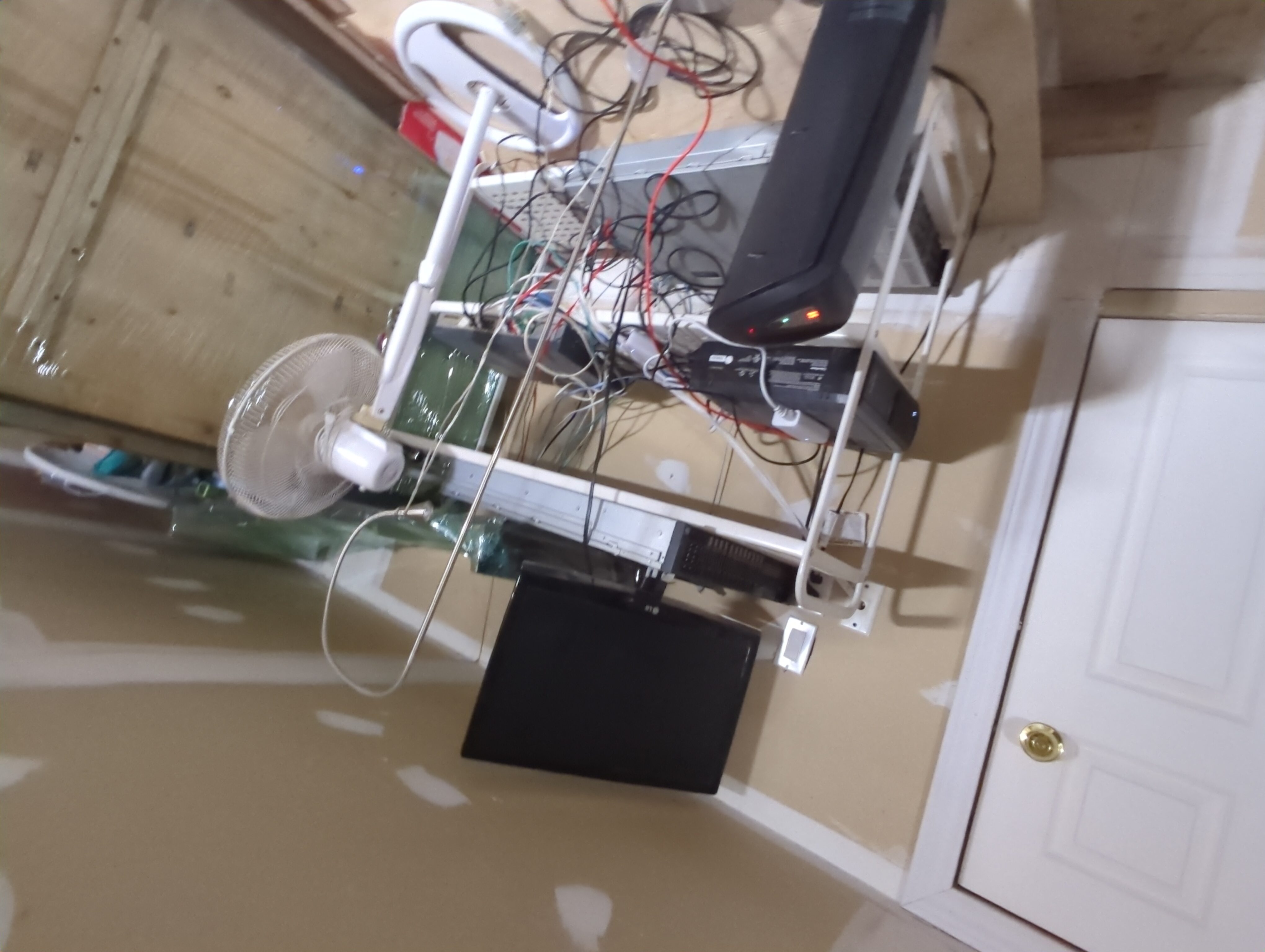
It’s not even a server rack; it’s a metal shelf on wheels I found. See that space heater? That’s because it’s in my garage, and I’m Canadian. It gets cold up here, and people come and go, opening and closing the garage door. It’s set to kick in below 12 degrees Celsius. To my credit, this setup is close to the ceiling, so the area retains most of its heat, even with the door open.
My wife occasionally tells me to make it pretty. To which I reply, “I can make it absolutely fabulous with $10,000 and a weekend.” So it stays here in this sorry state.
Stay tuned to see what I can accomplish despite this mess.
homelab hardware hypervisor server networking cisco
1358 Words
2024-11-26 00:00 (Last updated: 2026-05-02 05:26)
2f80c01 @ 2026-05-02